Create your servers at Infomaniak
Connect an Infomaniak Public Cloud project, and Tenkai creates your servers there, in Switzerland.
Tenkai already created servers at Hetzner Cloud, DigitalOcean and Scaleway. You can now keep them in Switzerland, at Infomaniak.
Connect a project
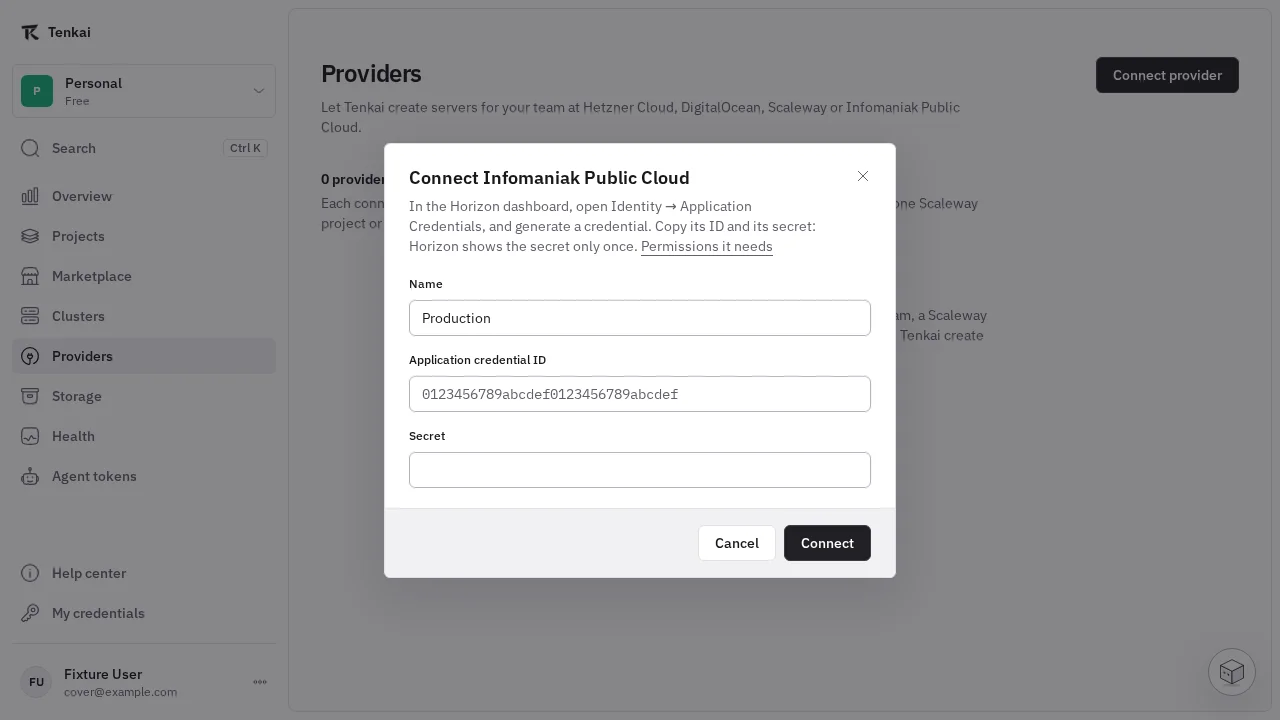
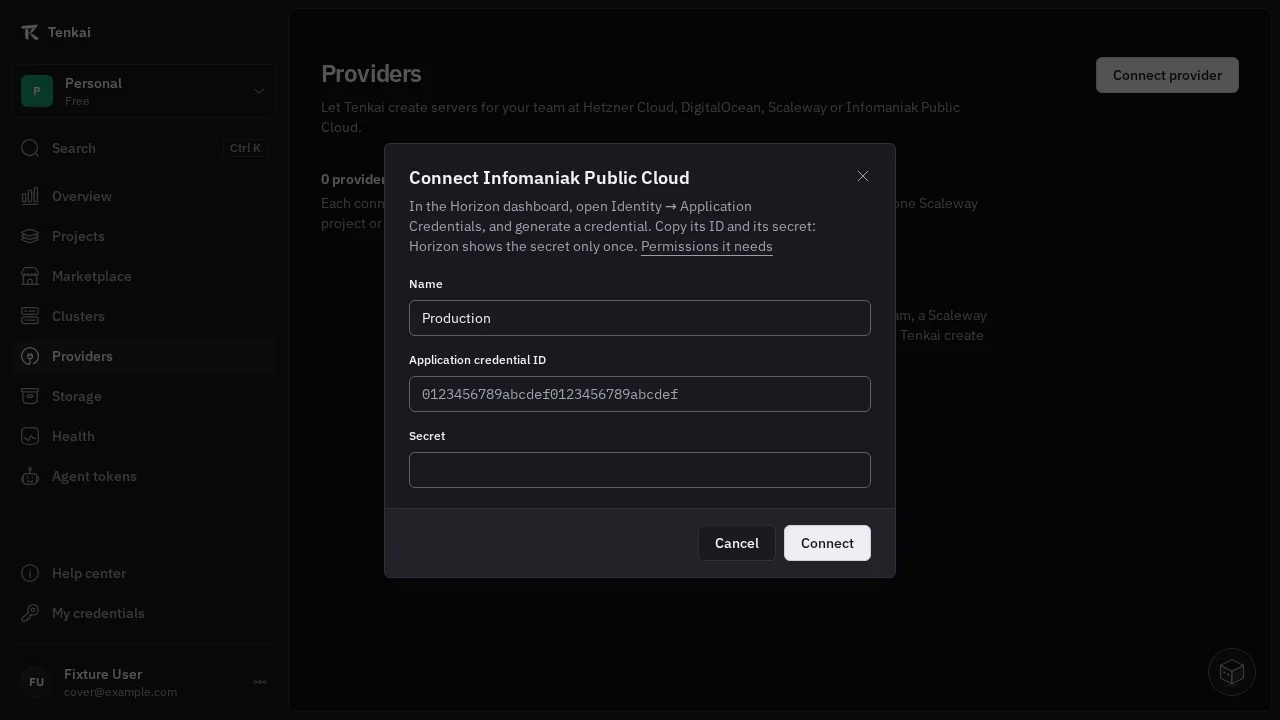
In the Horizon dashboard of your Infomaniak Public Cloud project, create an application credential with the reader and member roles. In Tenkai, open Providers, choose Connect provider, then Infomaniak Public Cloud, and paste its ID and its secret.
See Connect a server provider for the details.
Create a server
When you create a cluster or add a node, choose your Infomaniak connection, then a region, a server type and Debian or Ubuntu. The dialog shows the monthly price in CHF before VAT, the IPv4 address included. Infomaniak bills your account directly.
When you remove the server from Tenkai, select Also delete the machine to have Infomaniak delete it, with its disk and its IPv4 address. See Remove a server from Tenkai.