Run RabbitMQ, ClickHouse or any service from its image
Add a service from its image, and your other apps reach it at an address that lasts, while its data outlives each deployment and goes into your backups.
Tenkai runs PostgreSQL, MySQL, Redis and Valkey for you, and your stack often needs one more piece, such as a RabbitMQ for your queues, a ClickHouse for your analytics or a search engine. Now you run it from the image its makers publish, and Tenkai gives it an address your other apps keep, a directory that outlives each deployment and a place in your backups.
Add a service from its image
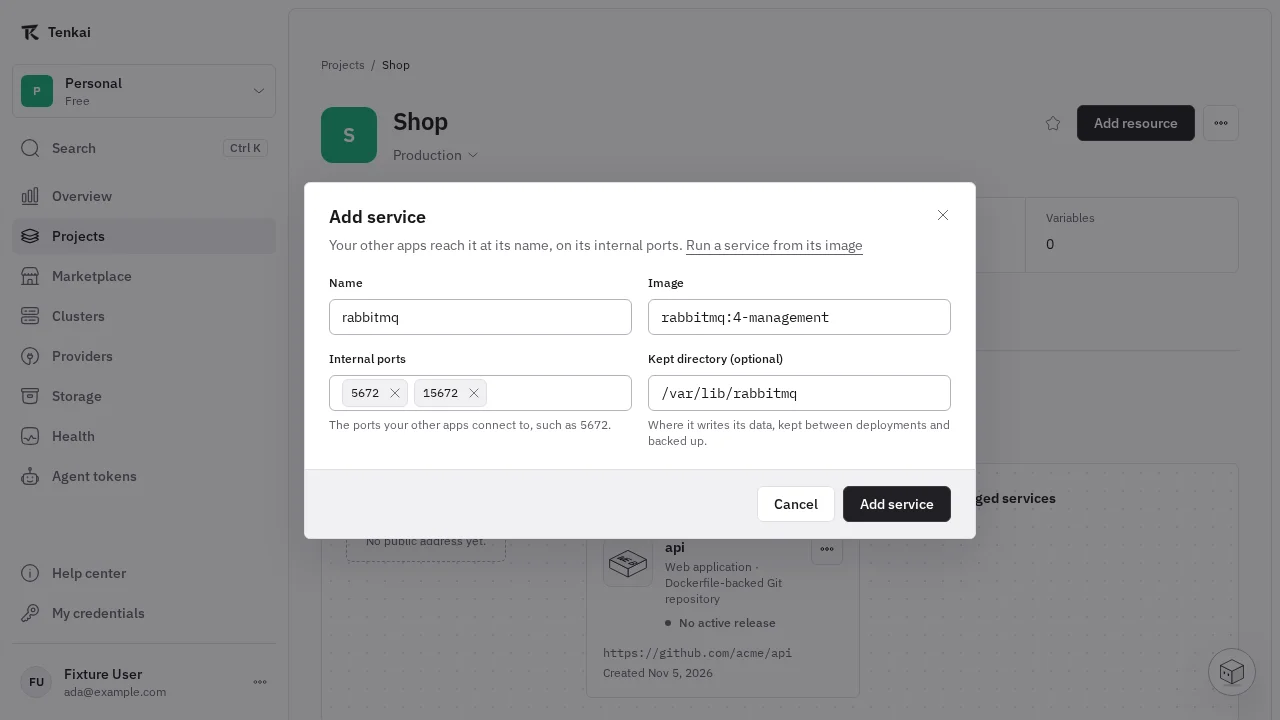
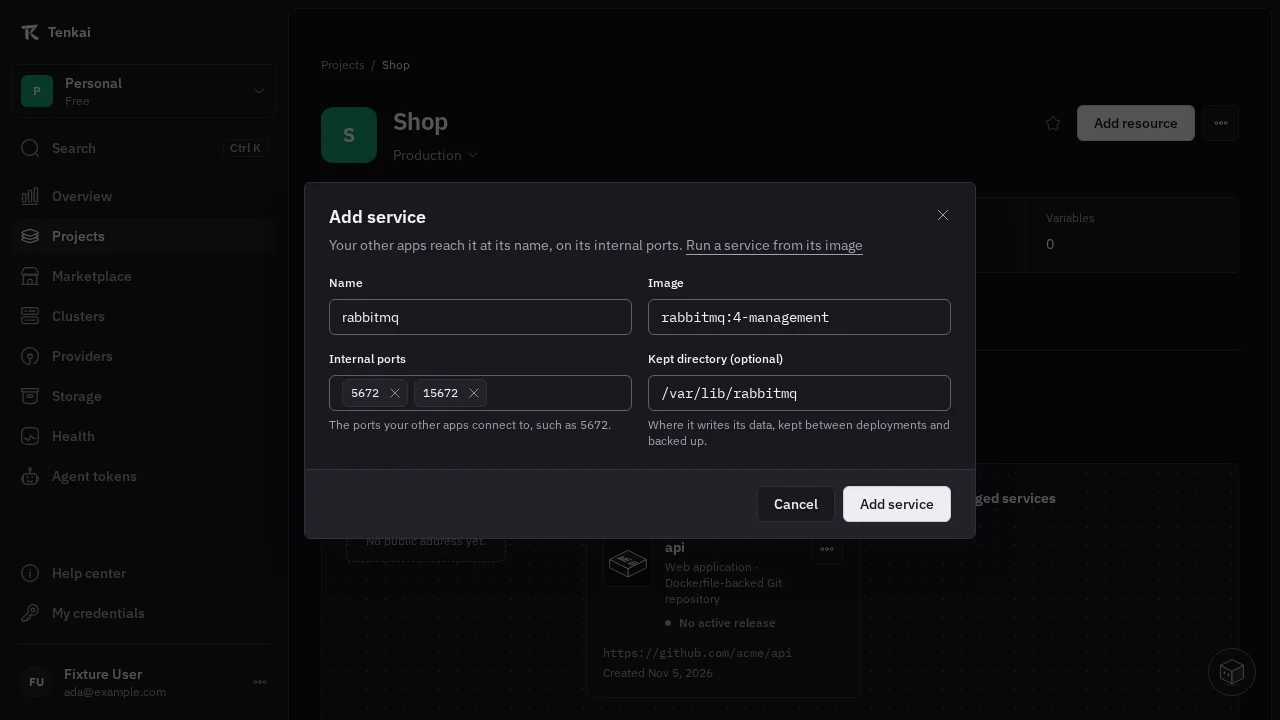
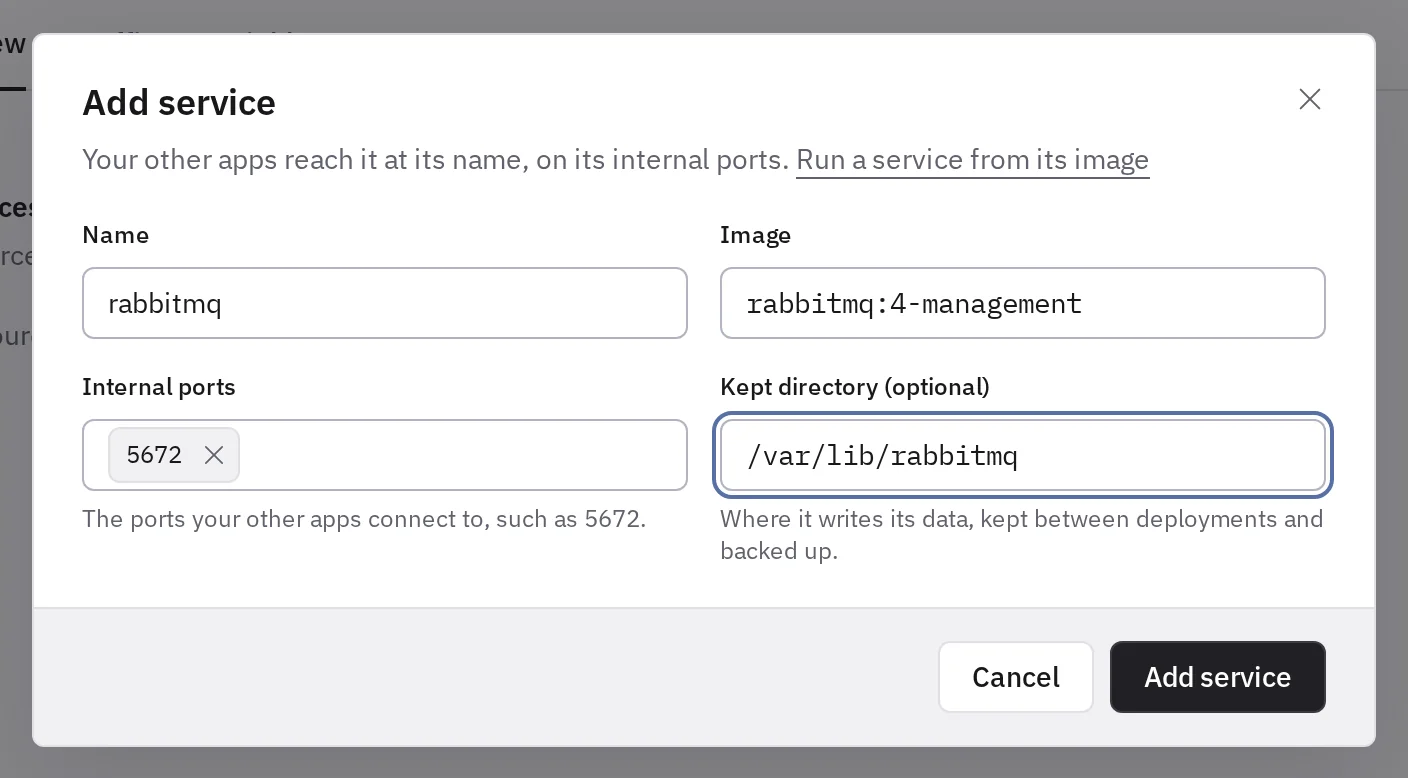
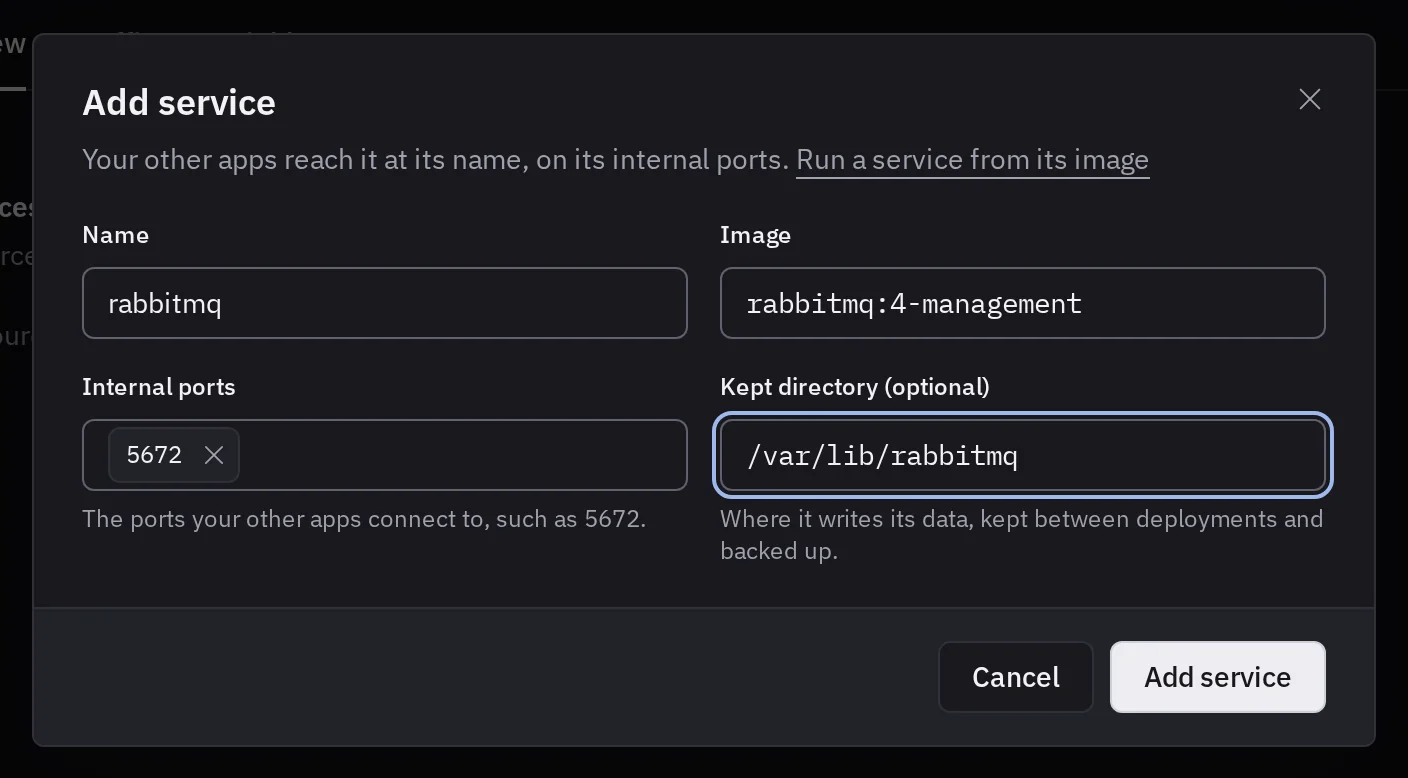
In a project, choose Add resource, then Service from an image. Enter its Image, such as rabbitmq:4-management, add each port your apps connect to in Internal ports, such as 5672, and fill Kept directory with the directory where it writes its data, such as /var/lib/rabbitmq. Choose Add service, set the variables it reads, then Deploy.
The menu now names each kind of application, so you pick a Web application for what answers HTTP on its own domain, a Background worker for your queue consumer, and a Service from an image for what your apps connect to in any protocol. Which type to choose helps when you hesitate.
One address through every deployment
The service's page shows its internal address, such as rabbitmq-k7m4p9:5672, with a button that copies it. Your apps connect there on each port you added, and the address keeps the same IP through every deployment, rollback and rename, so a client that caches DNS keeps reaching it.
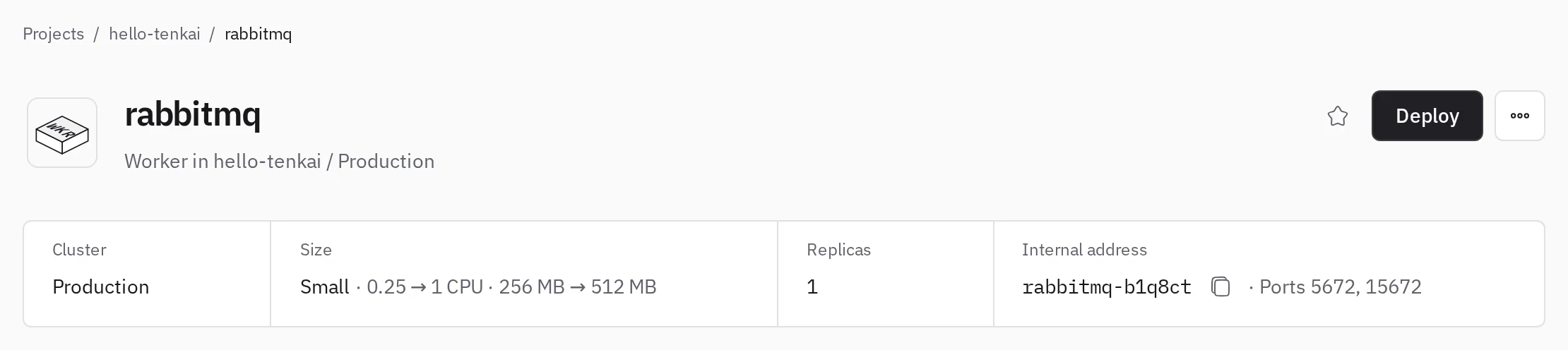
Nothing outside the environment reaches it, and the address only sends traffic to a version that passed its checks. When nothing answers on one of the ports, the page says so next to the address and names the ports your image declares, so a RabbitMQ you serve on 5762 instead of 5672 shows at once. A web application serves its ports the same way, and Change configuration… adds or removes one at any time.
Its data outlives each deployment
The kept directory lives in a volume on one node of your cluster, so each new version starts on the data the last one left. The service runs one replica on that node, and each deployment stops the running version before it starts the new one, usually for less than a minute.
Choose a storage bucket in its Backups tab, and Tenkai backs the directory up about once a day and restores it when you need. Each backup stops the service while its files are copied, which gives a backup it can start from, and a live backup keeps it running instead.
See Run a service from its image and Keep an application's files for the details.