Keep the files of a web application
Ask a web application to keep a directory between two deployments, in a volume on one node of your cluster, and know what that changes for it.
What a kept directory is
A web application starts each deployment from its image, so what it wrote before is gone: uploads, an SQLite database, a cache. A kept directory gets a volume on one node of your cluster, and each release starts on the files the previous one left there.
Marketplace apps such as WordPress come with their kept directories. This guide is for a web application you created.
What changes for the application
Read this before you keep the first directory:
- One node, one replica. You cannot add replicas.
- A deployment interrupts it, usually for less than a minute: Tenkai stops the running version before it starts the new one. See an application that keeps files.
- A backup interrupts it too, unless you ask for a live backup.
- It is down while its node is down. It does not move to another node.
- Only a backup protects the files from the loss of the node. Choose a storage bucket in the Backups tab: see Back up an application that keeps files.
- Deleting the web application deletes its files.
Keep a directory
Owners, admins and developers can add one.
- Open the web application, then its Configuration tab.
- Under Kept directories, choose Keep a directory….
- Enter the absolute Directory in the container, such as
/app/data. - Choose Keep, or Keep and apply to restart the running version on it at once.
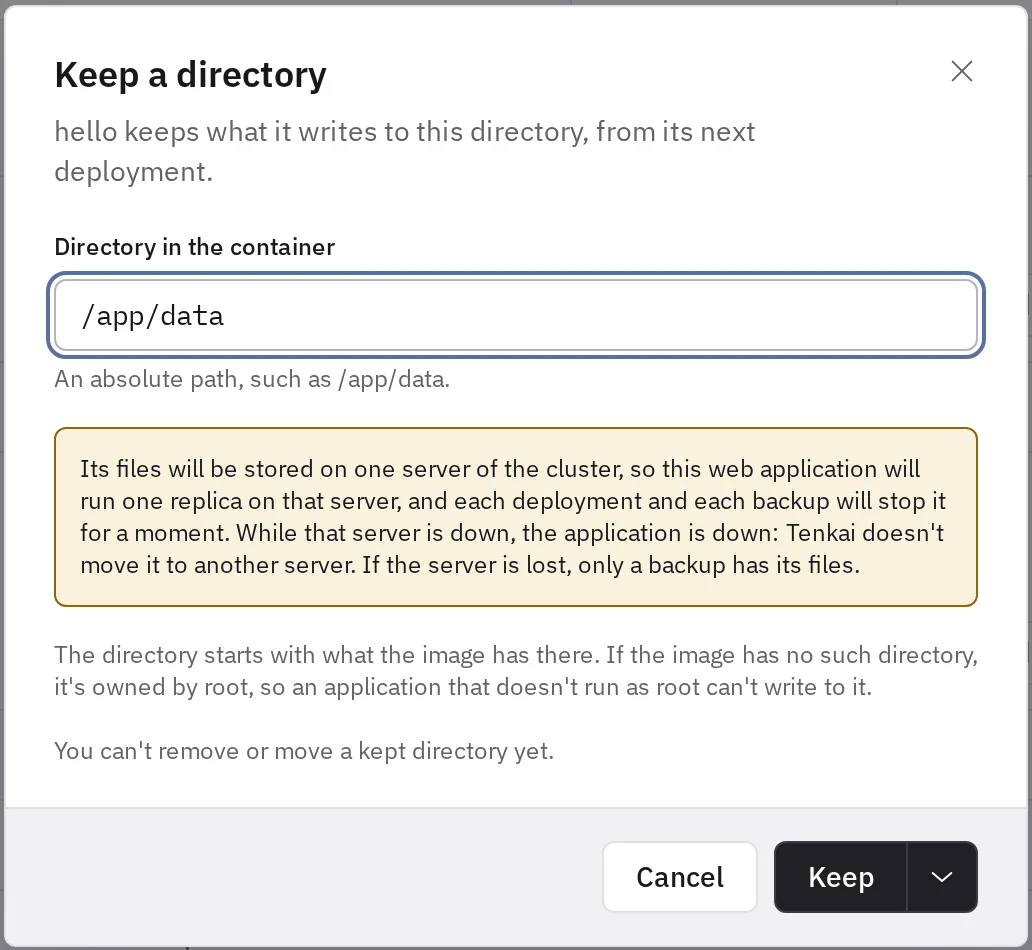
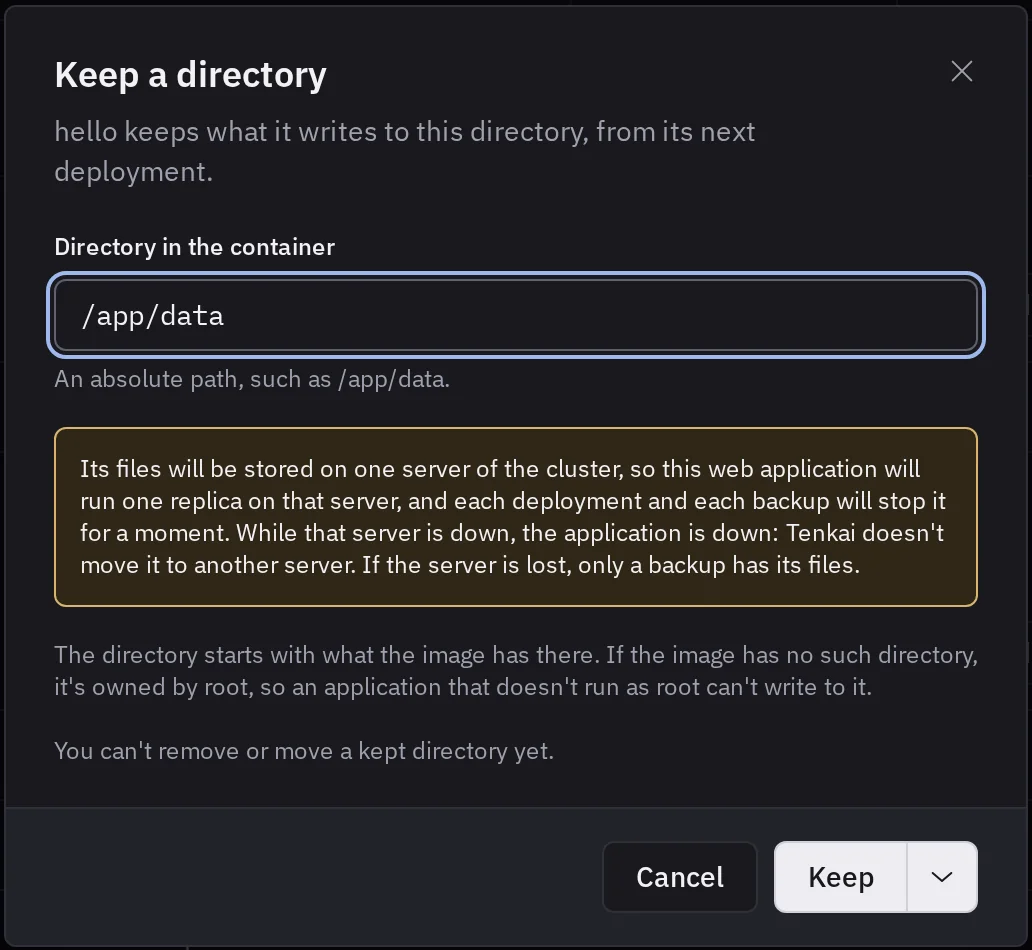
With Keep, nothing is kept until the next deployment: choose Apply configuration or Deploy.
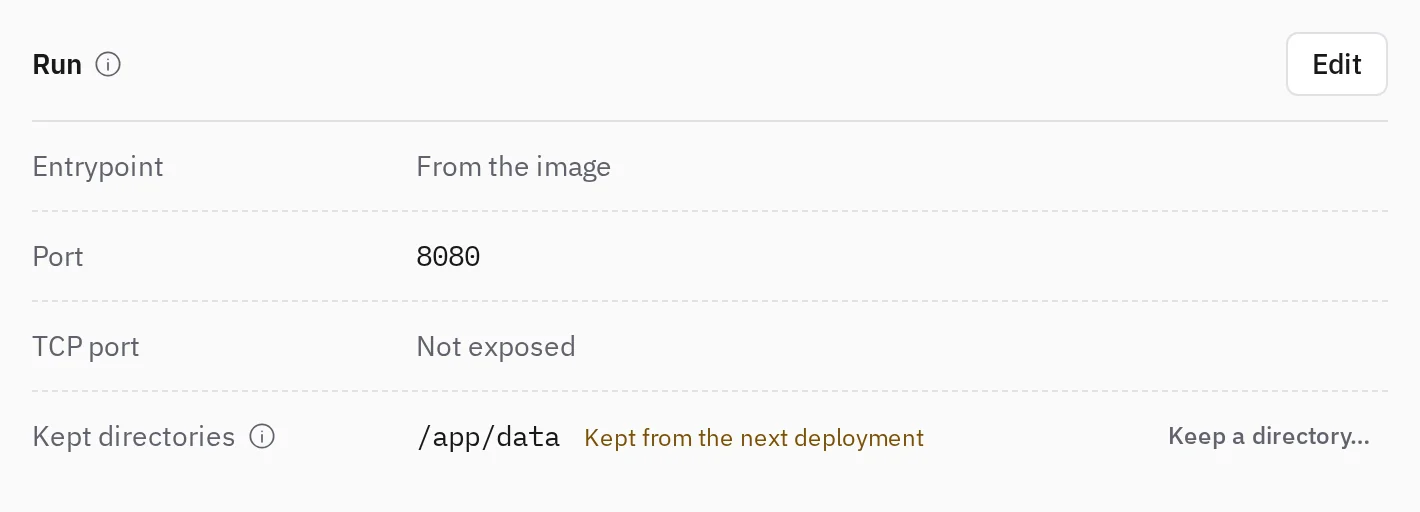
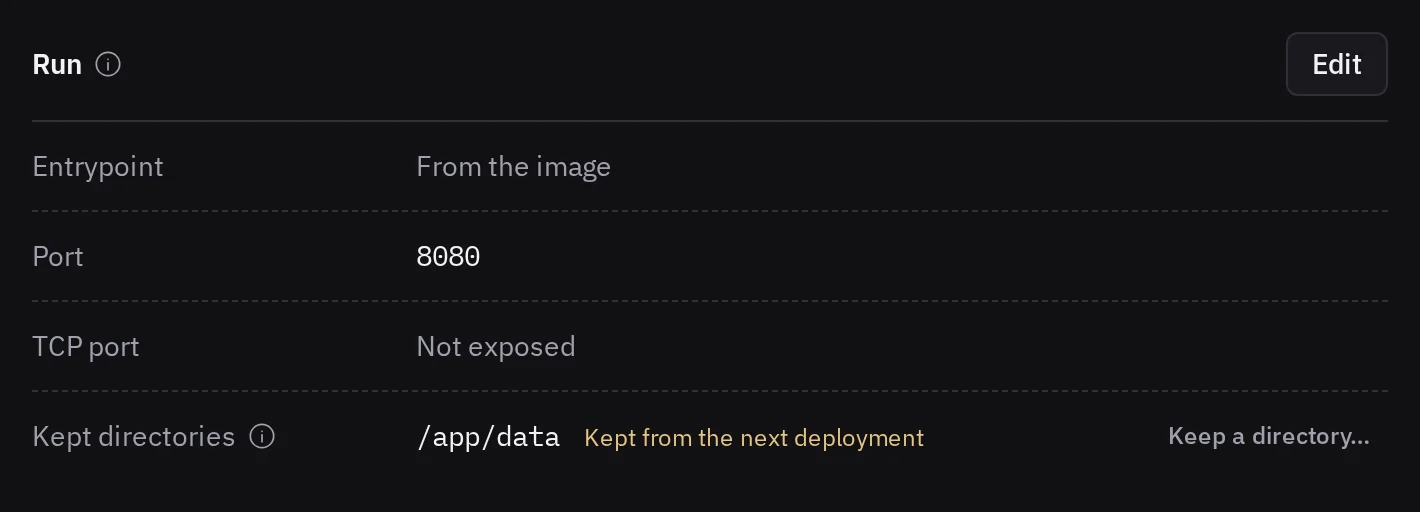
Tenkai chooses the node, one that accepts workloads and has room, and names it under Runs on.
What the directory starts with
The first container fills the empty volume with what the image holds at that path, with the same owner and permissions.
- If the image has no such directory, it belongs to root, and an application that does not run as root cannot write to it. Create it in your image, owned by the application's user, before you keep it.
- A later image cannot change the files at that path: the volume hides them. Keep only directories your application writes to, not its code.
What Tenkai refuses
- A directory inside or around a kept directory, or one already kept.
- More than 8 directories for one web application.
- A web application with several replicas. Set its replicas to 1 in Change configuration… first.
- While a deployment, a backup or a restore runs. Try again once it ends.
- No node has room. Add a node or reduce the size of other resources.
Limits
- You cannot remove a kept directory or change its path yet. Choose the path with care.
- Once a new directory is kept, you cannot roll back to the version that the last image change replaced. See Roll back an application that keeps files.
- You cannot choose the node or move the files to another one.
- A restore puts the files back on their node only. If the node is lost, read the backup without Tenkai.