See what needs attention with health
Read the health page: failed deployments, custom domains that are not ready, services changed outside Tenkai, disks almost full, and servers that need an update or a reboot.
What health shows
Health, in the sidebar, lists what needs attention across the servers and projects of your team. Open it first when something seems wrong and you do not know where. Each section title opens the page where you act.
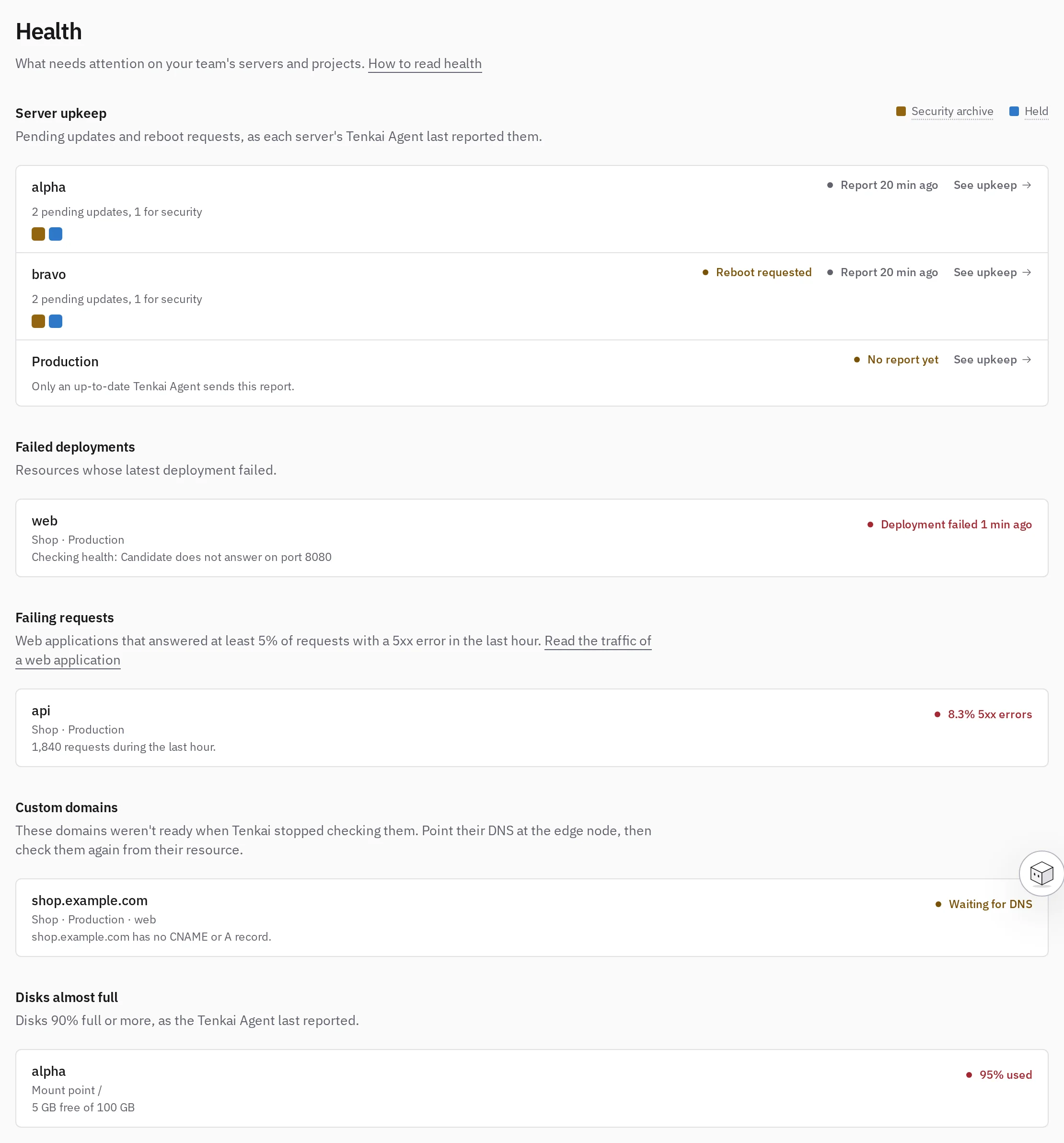
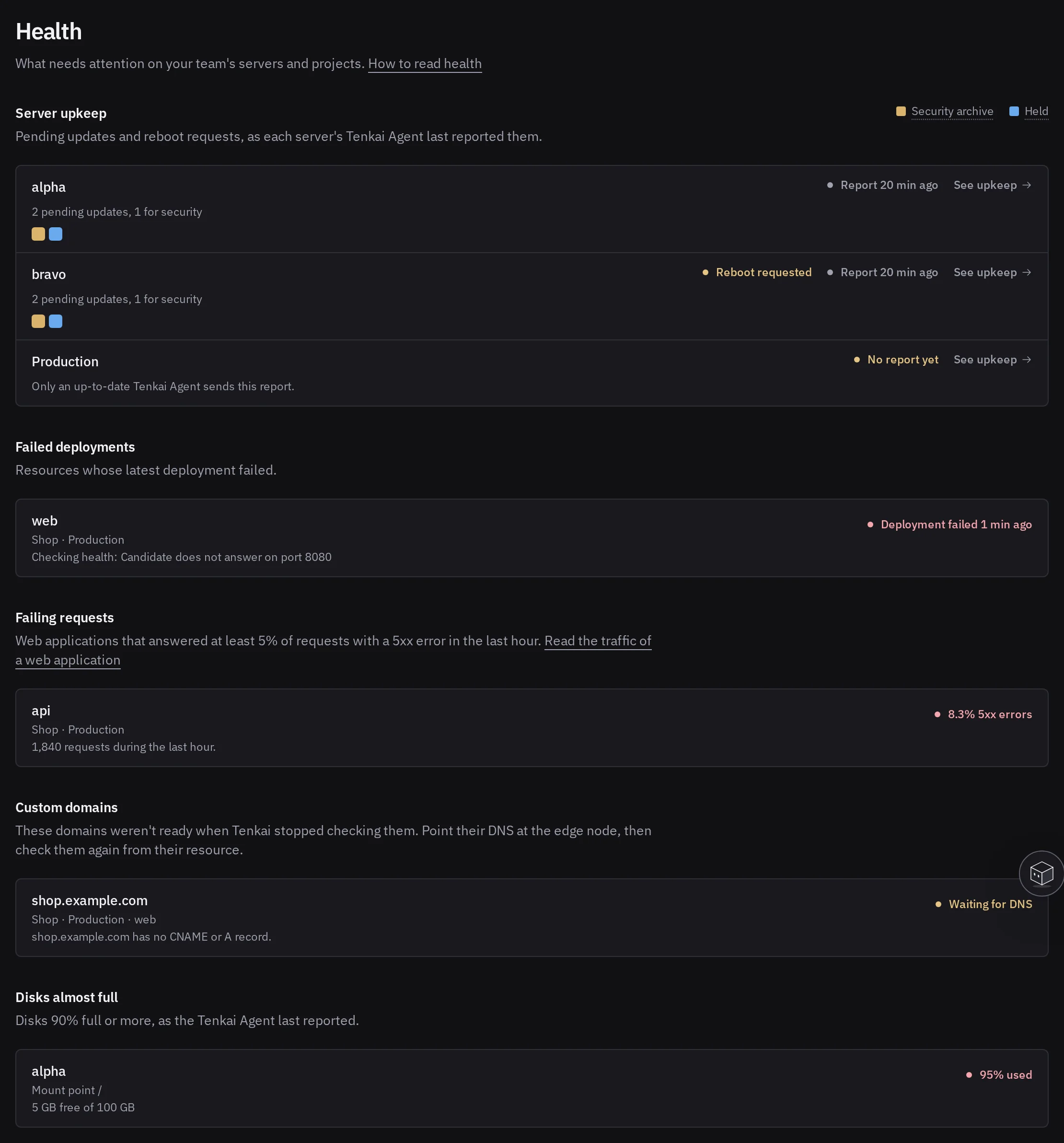
Health shows what Tenkai last observed. Nothing needs attention means Tenkai found no problem, not that none exists.
Read each section
- Security releases: an app you installed from the marketplace has a newer version that fixes a security flaw. Upgrade it.
- Server upkeep: pending updates, a requested reboot, or a missing or old upkeep report. See update and reboot a server.
- Failed deployments: open the resource to read the logs of the deployment.
- Failing requests: Web applications that answered at least 5% of the last hour's requests with a 5xx error, once they received at least 100. See Read the traffic of a web application.
- Unapplied configuration: Redeployment required means variables, size, replicas or entrypoint changed; apply the configuration. New image deployment required means you saved a container image that no deployment has pulled; deploy. See application does not respond.
- Custom domains: Tenkai stopped checking a domain before it was ready. Fix the DNS record, then check the domain again from its resource. See HTTPS is not ready.
- Running services: a service was changed or removed outside Tenkai, an unmanaged service takes a port or hostname of a web application, or Tenkai could not read a cluster. See Find what was changed outside Tenkai.
- High availability: a database with high availability lost one of its protections. See Read the instances for PostgreSQL or MySQL.
- Disks almost full: a disk at 90% or more. A full disk fails builds and can stop a database. Free space or move to a larger server.
- Edge nodes: an edge node failed two HTTPS checks in a row from Tenkai. The reason says what failed. It leaves the list once it passes three checks in a row.
- Edge routers: a cluster runs another edge router than the one Tenkai installs now, or its CrowdSec protection does not answer. An owner or admin can update it.
- SSH hardening: a server's SSH policy differs from what setup gave it, or could not be checked. Its SSH tab shows which setting differs. Tenkai stops the daily check of a server it has not reached for three days: choose Check now on that tab once the server answers again.
- Unrecognized SSH keys: a key that Tenkai did not add appeared in an
authorized_keysfile of a server since its first check. See See who can log in. On the Pro and Team plans. - Host exposure: on the Pro and Team plans, a server where ufw is off, a ufw rule that Tenkai did not add opens a port, or a process outside Docker listens on a port that ufw lets in. See Ports left open.
What health does not show
Health does not see wrong content, slow queries or backups too old for your needs. Failing requests ignores applications with few visitors, and clusters whose edge node does not report its traffic.
Health relies on the Tenkai Agent of each server:
- Stale report: no fresh upkeep report for 12 hours, so the pending updates shown may be out of date. Check that the server runs and its agent is still installed.
- No report yet: the agent is missing or too old.
Without the agent, health cannot warn you about that server's disks either. Install it from the server page. New servers get it at setup unless their cluster turned that off.
When health is empty and something still fails, continue with Diagnose deployment and HTTPS failures.