Pull a private GHCR image
Create a GitHub token for GHCR, add it as your GHCR credential, link it to a resource and replace it before it expires.
How Tenkai pulls a private image
A GHCR credential holds a GitHub token that Tenkai uses to pull your private GHCR images, including nested names such as ghcr.io/acme/platform/api. It belongs to you, not the team: only you link it to a resource, and other team members never see its token. Private Docker Hub images are not supported.
At each deployment, the edge node pulls the image with the token and copies it into the cluster registry. While the deployment runs, anyone with root on the edge node can read the token. Running releases keep running when the token stops working; only the next deployment needs a working credential.
Create the token
You need a personal access token (classic). A fine-grained token or a workflow's GITHUB_TOKEN does not work.
- On GitHub, open Settings, Developer settings, Personal access tokens, Tokens (classic), and choose Generate new token (classic). The Add GHCR credential dialog links to this form.
- Tick only the
read:packagesscope. - Choose an expiration. Tenkai warns you a week before it.
A classic token reads every package its account can see, in every organization. Create it on a dedicated machine user, such as acme-deploy, with read access only to the packages you deploy.
Add your GHCR credential
Open My credentials in the sidebar. In GHCR credentials, choose Add GHCR credential…, enter a name and paste the token. Tenkai checks it with GitHub, stores it encrypted, and never shows it again.
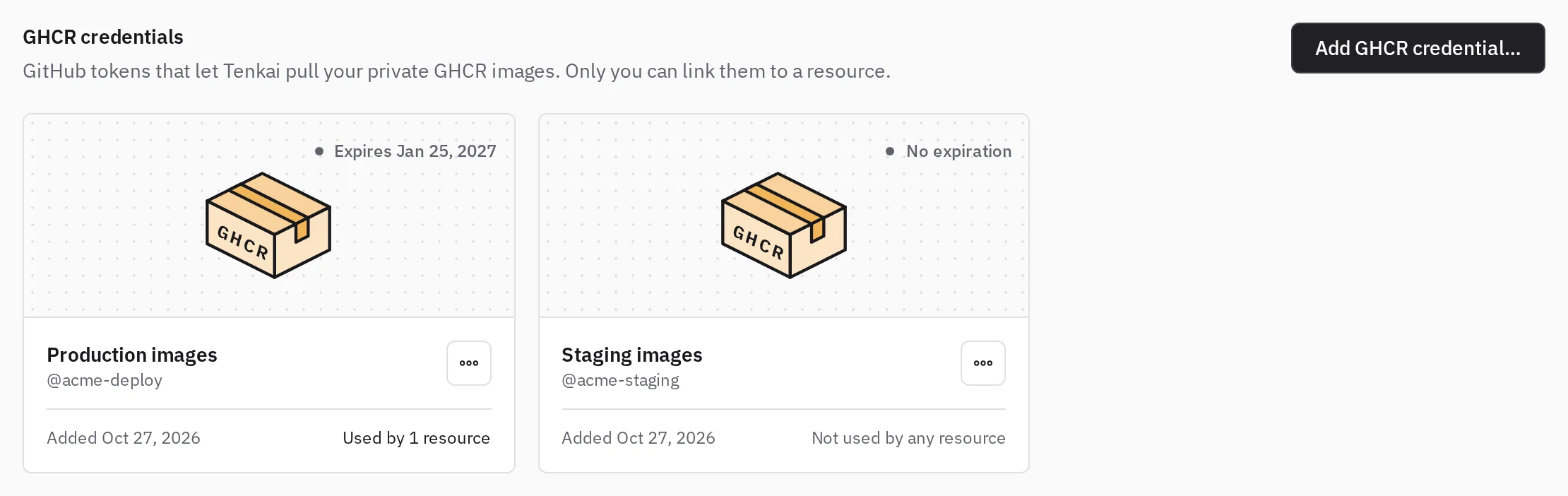
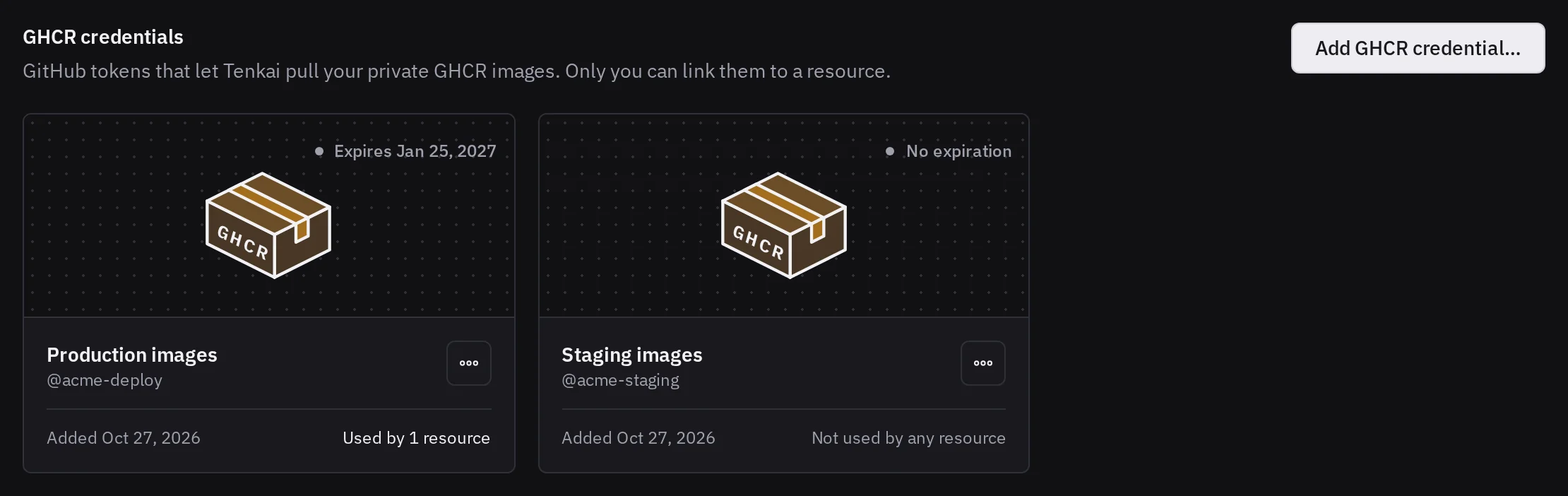
A credential marked Expired or Invalid (revoked or expired on GitHub) no longer works: replace its token before the next deployment of its resources. A token with No expiration stops only when you revoke it on GitHub.
Link it to a resource
When you create an application from a GHCR image that Tenkai cannot pull anonymously, it tests your GHCR credentials against it and picks the first one that Can pull:
- No access: the token works, but its account cannot read this package.
- Invalid: GitHub refused the token.
- Could not check: GHCR did not answer. Try again in a moment.
If none can pull it, choose Add a GHCR credential…; the form keeps what you typed. Tenkai does not create a resource it cannot pull.
For an existing resource, open the Configuration tab and, under Image access, choose Link a GHCR credential… or Change credential…. Team members who can manage resources can link only their own credentials. Only the credential's owner can Unlink it.
Changing the image to another repository unlinks the credential, so link one that can pull the new image. A tag or digest change in the same repository keeps it. A saved image runs only after Deploy; Apply configuration reuses the active release artifact.
Read the image access section
Image access, in the Configuration tab, tells how the next deployment pulls the image:
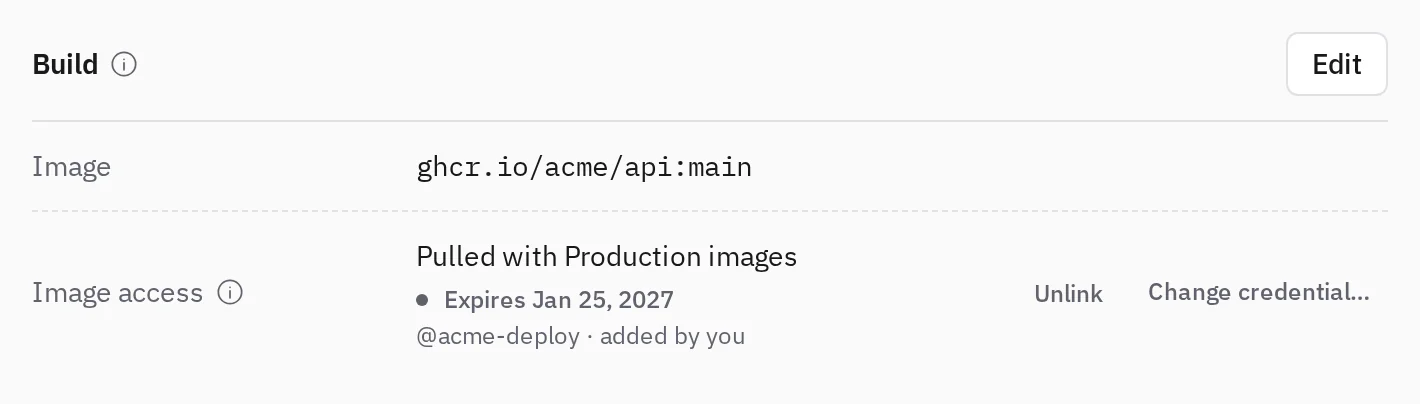
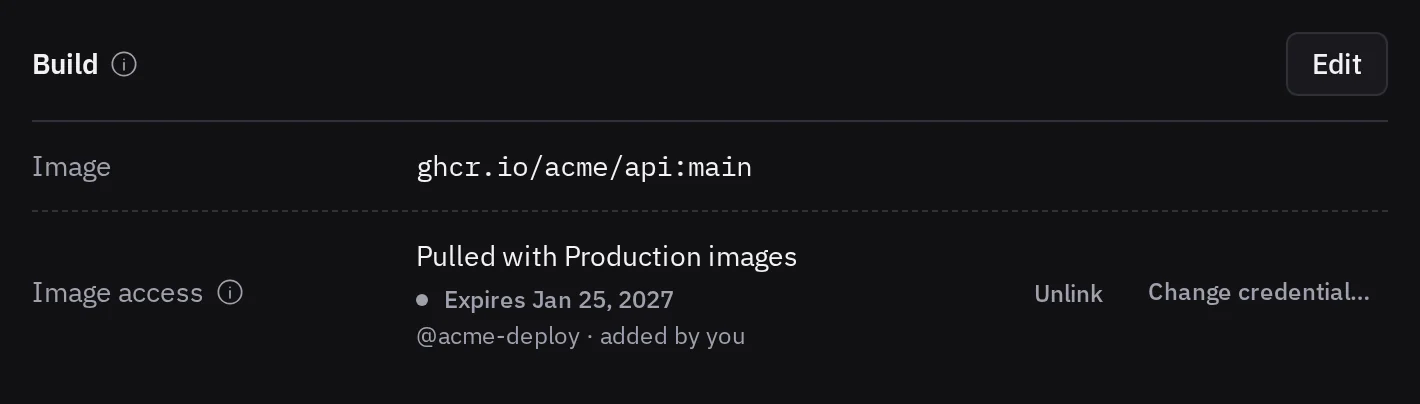
ghcr.io/acme/api:main with a credential of the signed-in user.- Needs a GHCR credential: the image is private or does not exist, and no credential is linked. Link one, or the next deployment fails.
- Lost access to this image: the token's account can no longer read the package. Grant access again on GitHub, or link another credential.
- GitHub refused the token: its owner replaces the token, or you link one of your own.
- The token expires soon or The token expired: replace the token before the next deployment.
- GHCR did not answer: reload the page in a moment.
Replace or remove a token
In My credentials, open the … menu of the credential and choose Replace token…. The new token must belong to the same GitHub account; linked resources keep the credential.
Remove… lists the resources that use it: they keep running, but each needs another GHCR credential before its next deployment. Removing it does not revoke the token on GitHub; revoke it there too.
When you leave a team, your credentials are unlinked from its resources, which then need another credential before their next deployment.
Tokens of an organization
If the package belongs to an organization and Tenkai shows No access, check its settings on GitHub:
- Classic tokens blocked: the organization refuses personal access tokens (classic).
- SAML single sign-on: on the Tokens (classic) page, choose Configure SSO next to the token, then Authorize for the organization.
Then open Link a GHCR credential… or Change credential… in Image access to test your credentials again.