Configure variables and the runtime port
Configure environment and resource variables, protect credentials and choose the port your HTTP server listens on.
Choose the scope
Use the project's Variables section for values shared by the resources of the environment that is open. Use a web application's Variables tab for values specific to that resource. A resource variable overrides an environment variable with the same key. Keys are case-sensitive.
Save keeps the value without changing the running application, so you can change several variables first. Save and apply, in the menu next to Save, also runs the active release again with the current variables. An application without an active release, or that waits for a new image, offers Save and deploy instead.
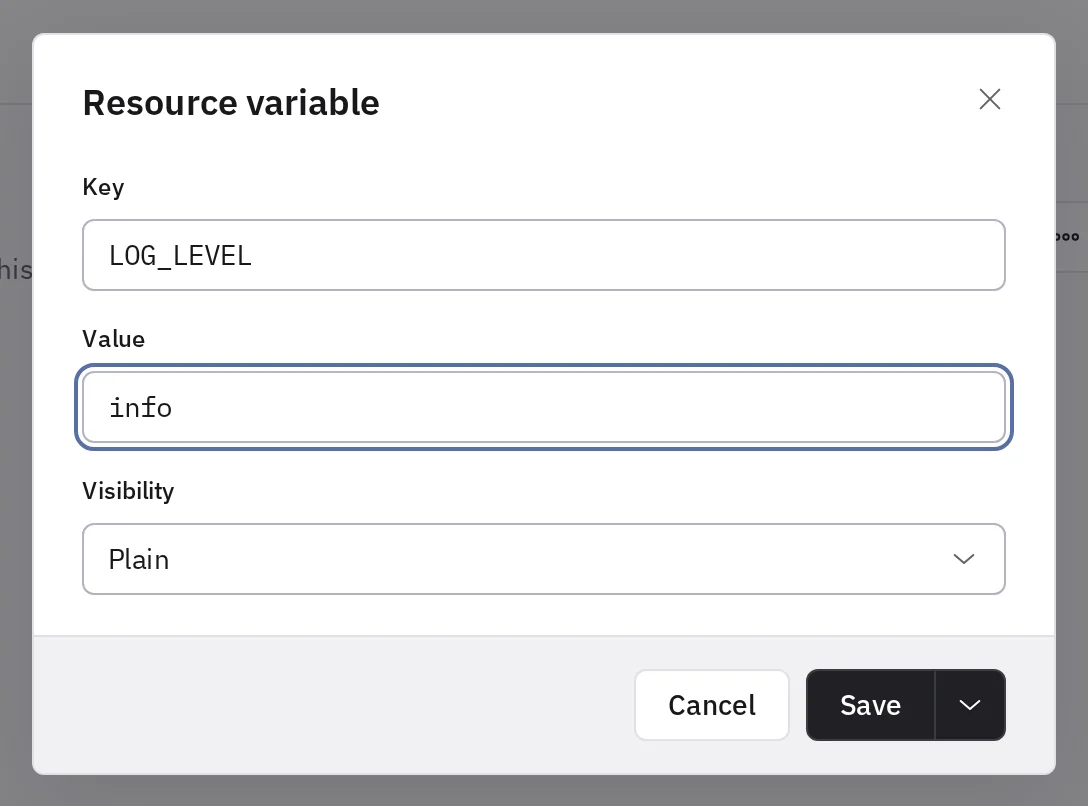
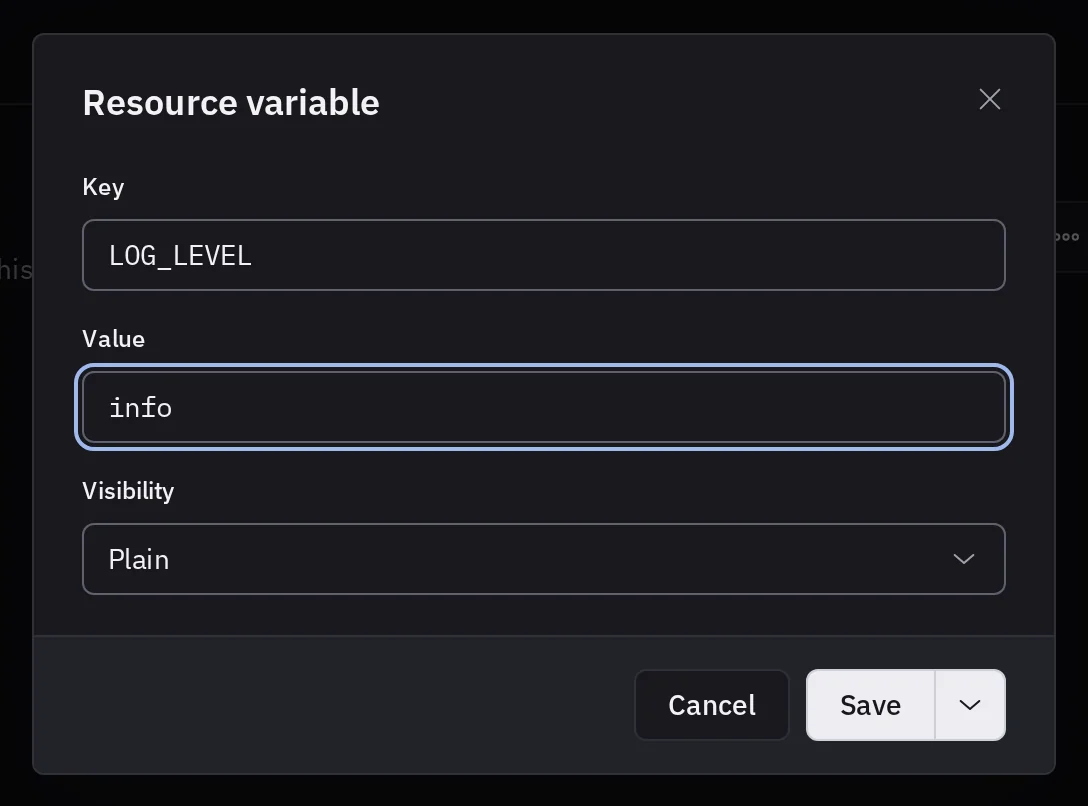
Edit several variables at once
Owners and admins can choose Edit as .env… in the ⋯ menu of the variables to edit every variable of the scope as a .env file. Each line is KEY=value, and lines that start with # are comments. Put quotes around a value that has spaces or a #. Double quotes also accept \n for a line break.
Removing a line deletes its variable. Existing variables keep their visibility. New keys get the visibility you choose under the editor, Sensitive by default. A resource's editor leaves environment variables and managed connection variables unchanged.
Sensitive values
Choose Sensitive for passwords, API tokens and connection strings. Tenkai encrypts them and shows them Masked. Owners and admins copy a value with the copy button next to it, or read it with Edit as .env. Each copy and each opening is recorded with who did it: see Read the activity. Do not put secrets in plain variables, build-source URLs or example repositories.
An application that prints its environment still leaks its secrets. Keep credentials out of logs and screenshots.
Runtime port
A web application serves HTTP on its Port, 8080 unless you choose another one when you create it. Tenkai sets PORT to it, sends the requests of the default route and of every custom domain there, and checks it during each deployment. Your server must listen on 0.0.0.0 at that port: a server that listens on localhost only gets no request.
server.listen(Number(process.env.PORT ?? 8080), '0.0.0.0');
An image that listens on its own port, such as 80 or 3000, needs no setting of its own: set Port to that port. EXPOSE 3000 in a Dockerfile does not set it.
To change the port later, choose Edit next to Run in the Configuration tab. The active release keeps serving on its port until Apply configuration or the next deployment runs it on the new one. Tenkai sets PORT itself, so a variable cannot be named PORT.
Tenkai also sets HOST=0.0.0.0. Add a variable named HOST when your application reads that name for something else. Tenkai refuses a HOST set to localhost, 127.0.0.1 or ::1, often copied from a .env file written for your own machine.
Build and runtime configuration
Runtime variables are not a substitute for the files or credentials the build needs. Do not bake runtime secrets into the image. A frontend that embeds settings when it compiles keeps them until you build it again.
See application sources for build commands and contexts. If a deployment completes but the app is unreachable, check application troubleshooting.