How to deploy a single-page application from GitHub Actions
Build a Vite, React or Vue application in your CI, send its files to the deploy hook of a static site and choose how a missing path answers.
Before you start
You need a ready cluster and a project on it: see projects and clusters. Your site must build to a directory with an index.html at its root, such as the dist directory of a Vite application with React or Vue.
Tenkai builds nothing. Your CI builds the site, and each deployment sends its files to the deploy hook of the static site. The cluster does not need Git builds.
Create the static site
- In the project, choose Add resource, then Static site.
- Name it, such as
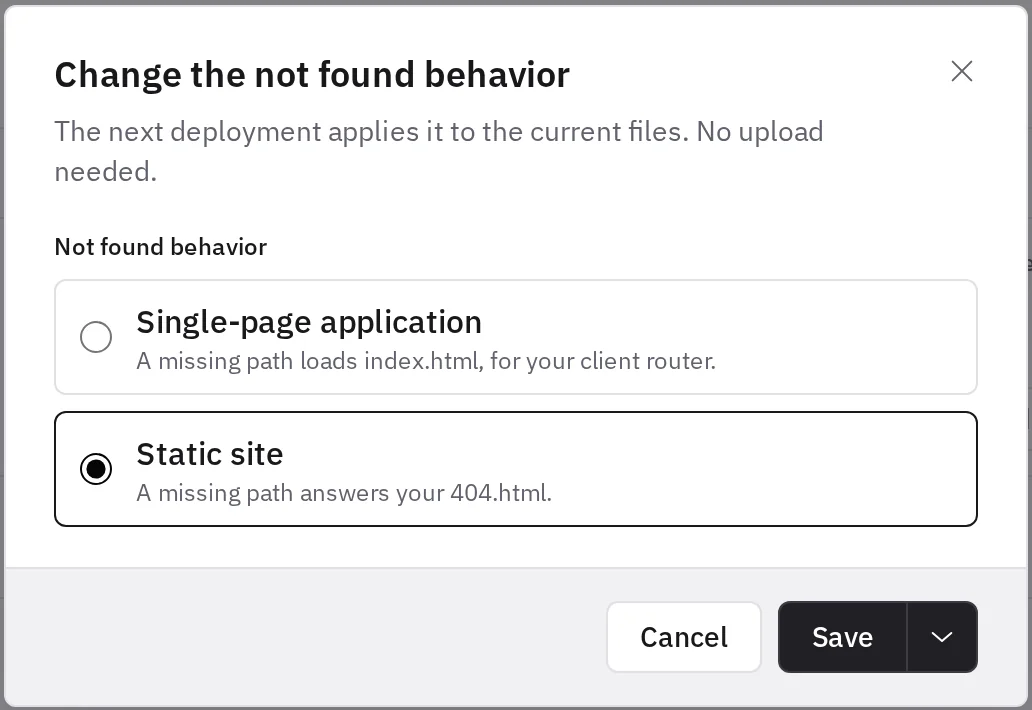
site. - Choose its Not found behavior: Single-page application when a client router, such as React Router or Vue Router, handles the paths, or Static site when the build writes a page for each path. See how a missing path answers.
- Choose Add static site.
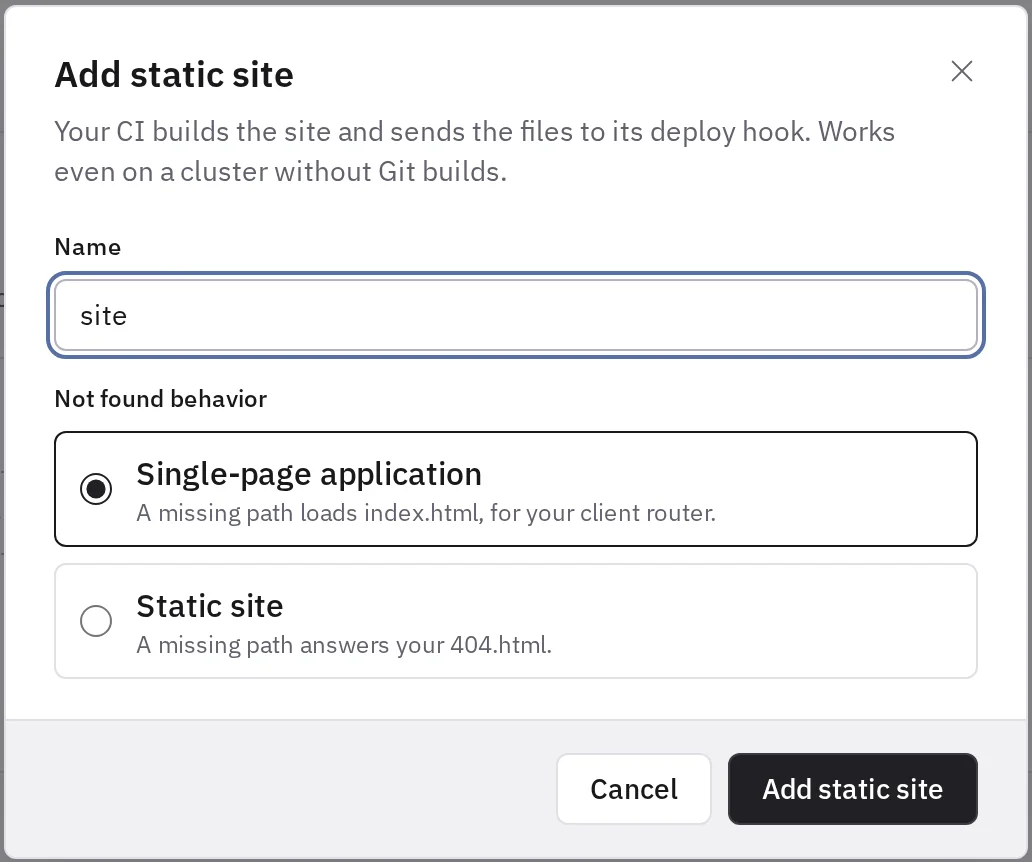
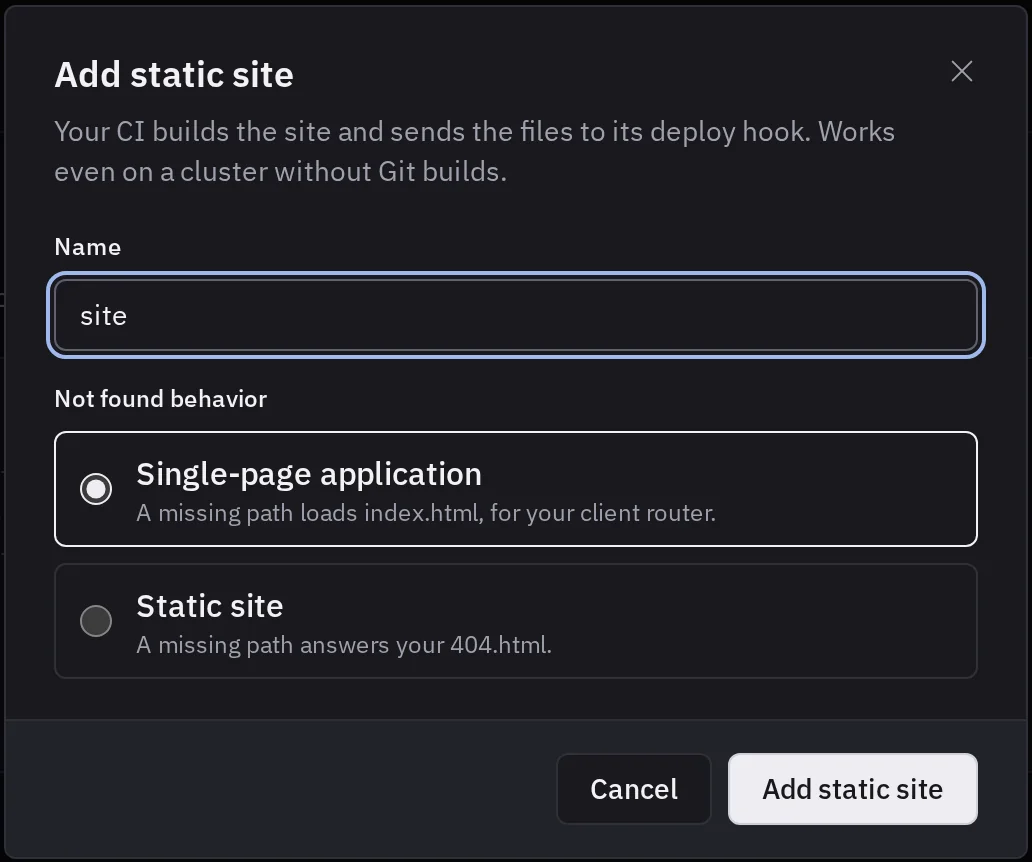
Tenkai serves the files with its own server, so a static site takes no entrypoint, no port and no pre-deploy commands. Its variables do not reach the files: set what the build reads, such as VITE_API_URL, in your CI.
Enable the deploy hook
- Open the static site, then its Configuration tab.
- Under Deploy hook, choose Enable deploy hook.
- Add the URL and the secret to the secrets of your repository, as
TENKAI_DEPLOY_HOOK_URLandTENKAI_DEPLOY_HOOK_SECRET. Tenkai shows the secret only once.
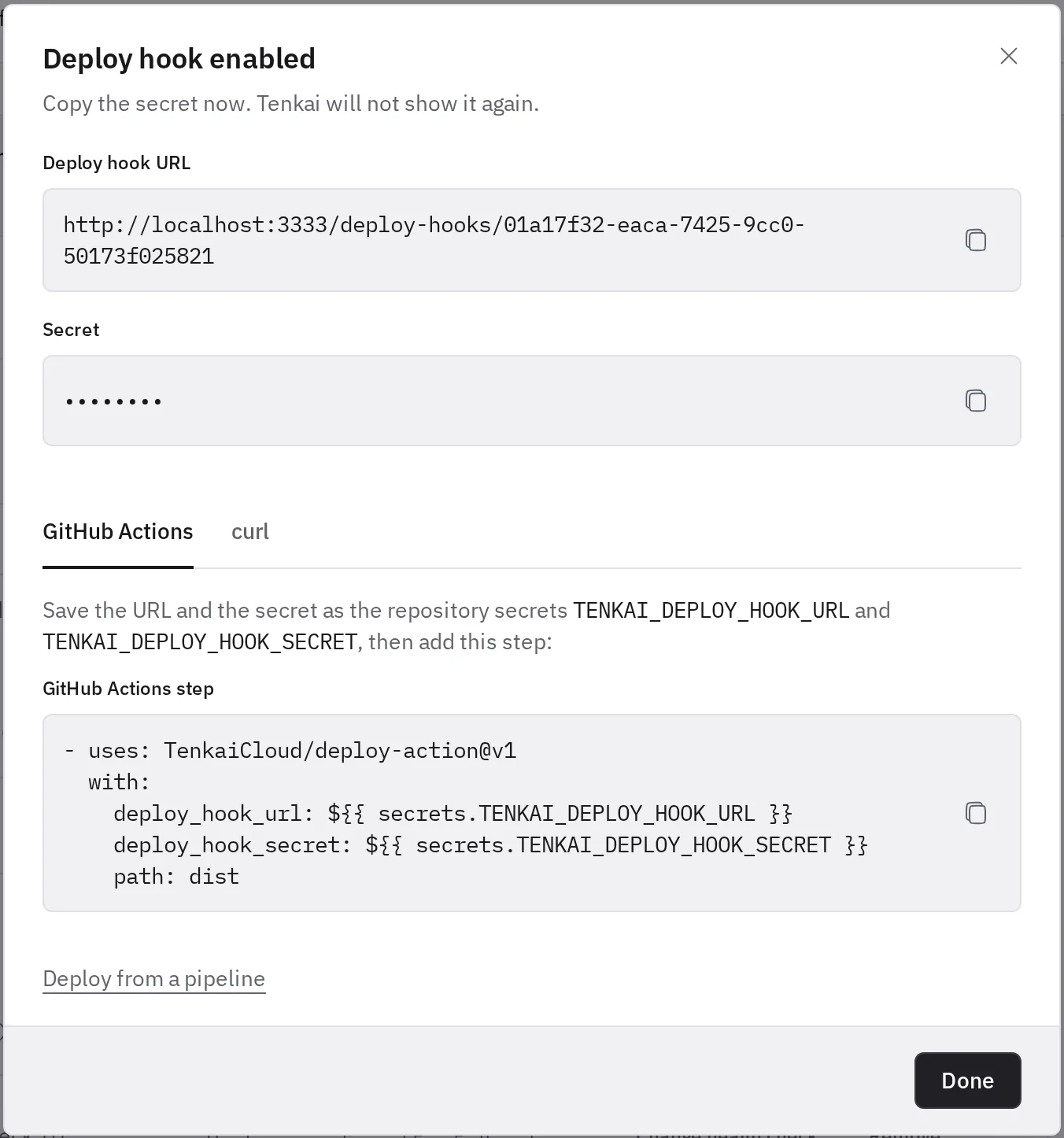
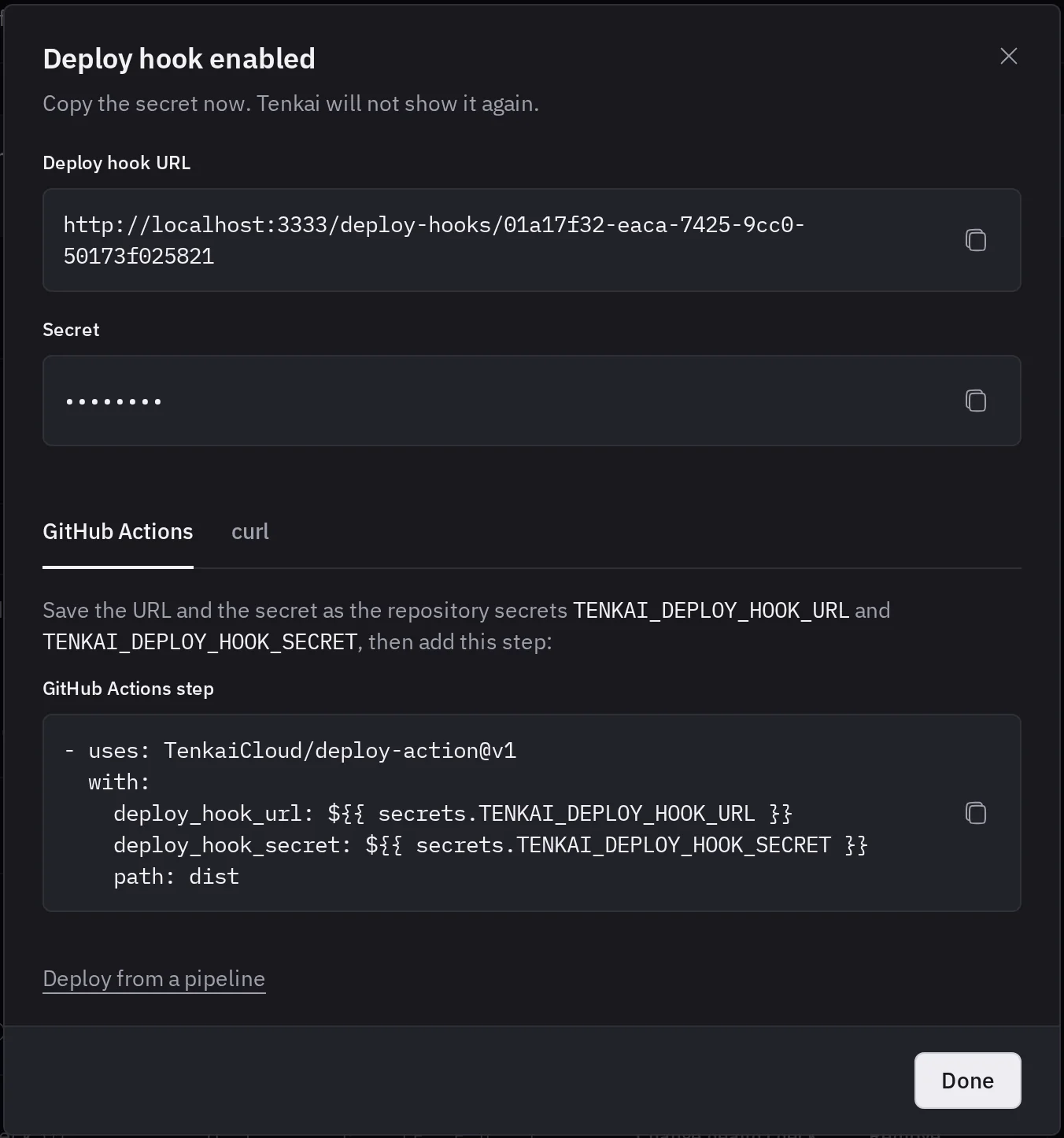
Deploy from GitHub Actions
Create .github/workflows/deploy.yml:
name: Deploy

on:
  push:
    branches: [main]

concurrency: deploy

jobs:
  deploy:
    runs-on: ubuntu-24.04
    timeout-minutes: 20
    steps:
      - uses: actions/checkout@v7

      - uses: actions/setup-node@v7
        with:
          node-version: 24
          cache: npm

      - run: npm ci

      - run: npm run build

      - uses: TenkaiCloud/deploy-action@v1
        with:
          deploy_hook_url: ${{ secrets.TENKAI_DEPLOY_HOOK_URL }}
          deploy_hook_secret: ${{ secrets.TENKAI_DEPLOY_HOOK_SECRET }}
          path: dist
Set path to the output directory of your build. The action sends its content, waits for the deployment to end, and fails the job when Tenkai refuses the files or the deployment fails. concurrency keeps two runs from deploying at once, which Tenkai refuses.
Push the workflow. Once the deployment succeeds, the site answers on its default route.
Deploy from another CI
Pack the content of the output directory, not the directory itself, then send the archive as the body of the request, as application/gzip:
tar -czf site.tar.gz -C dist .
curl --fail-with-body -X POST "$TENKAI_DEPLOY_HOOK_URL" \
  -H "Authorization: Bearer $TENKAI_DEPLOY_HOOK_SECRET" \
  -H "Content-Type: application/gzip" \
  --data-binary @site.tar.gz
Then wait for the deployment to end. The deploy hook guide lists the limits of the archive and what Tenkai refuses.
How a missing path answers
- Single-page application. A path whose last part has an extension, such as
/assets/app-3f2a.js, is a file: Tenkai serves it, or answers 404. Any other path, such as/settings/billing, loadsindex.htmlfor your router. A route whose last part holds a dot, such as/users/john.doe, answers 404. - Static site. A directory serves its
index.html, and/docsredirects to/docs/. A missing path answers the404.htmlat the root of your files, with a 404 status.
To change it, choose Change… next to Not found behavior in the Configuration tab, then Save and deploy in the menu next to Save. Tenkai deploys the files of the active release with the new behavior: your pipeline sends nothing.
Caching
HTML is served with Cache-Control: no-cache, so visitors get the new index.html right after a deployment. Files under /assets/, where Vite writes them with a hash in their name, are cached for a year. A build that writes its hashed files to another directory gets no-cache for them.
Deploy again or roll back
Deploy, on the static site, runs the files of the active release again with the current settings. It cannot bring new files: only your pipeline does. Before the first deployment, it is unavailable.
To undo a bad build, choose Rollback to an earlier release in Deployments, on the overview tab. Tenkai serves its files again, without your pipeline.