Deploy from a pipeline with a deploy hook
Enable the deploy hook of an application, call it from GitHub Actions or any CI tool, wait for the deployment to end, and rotate or revoke its secret.
What a deploy hook is for
A Deploy hook is a URL that deploys one application when a tool sends it an HTTP request. Use it to deploy from GitHub Actions, GitLab CI or a script. A web application, a worker and a scheduled job each have their own.
The request starts the same deployment as the Deploy button, with the build source, revision and variables the application has at that moment. The request cannot change them. A call for a preview is the exception: it names the tag of the image to deploy. For a scheduled job, it starts no run: the next runs use the new release.
A static site is the exception: each request brings the files to deploy. See Send the files of a static site.
Enable the deploy hook
Owners, admins and developers enable it.
- Open the application, then its Configuration tab.
- Under Deploy hook, choose Enable deploy hook.
- Copy the URL and the secret. Tenkai shows the secret only once.
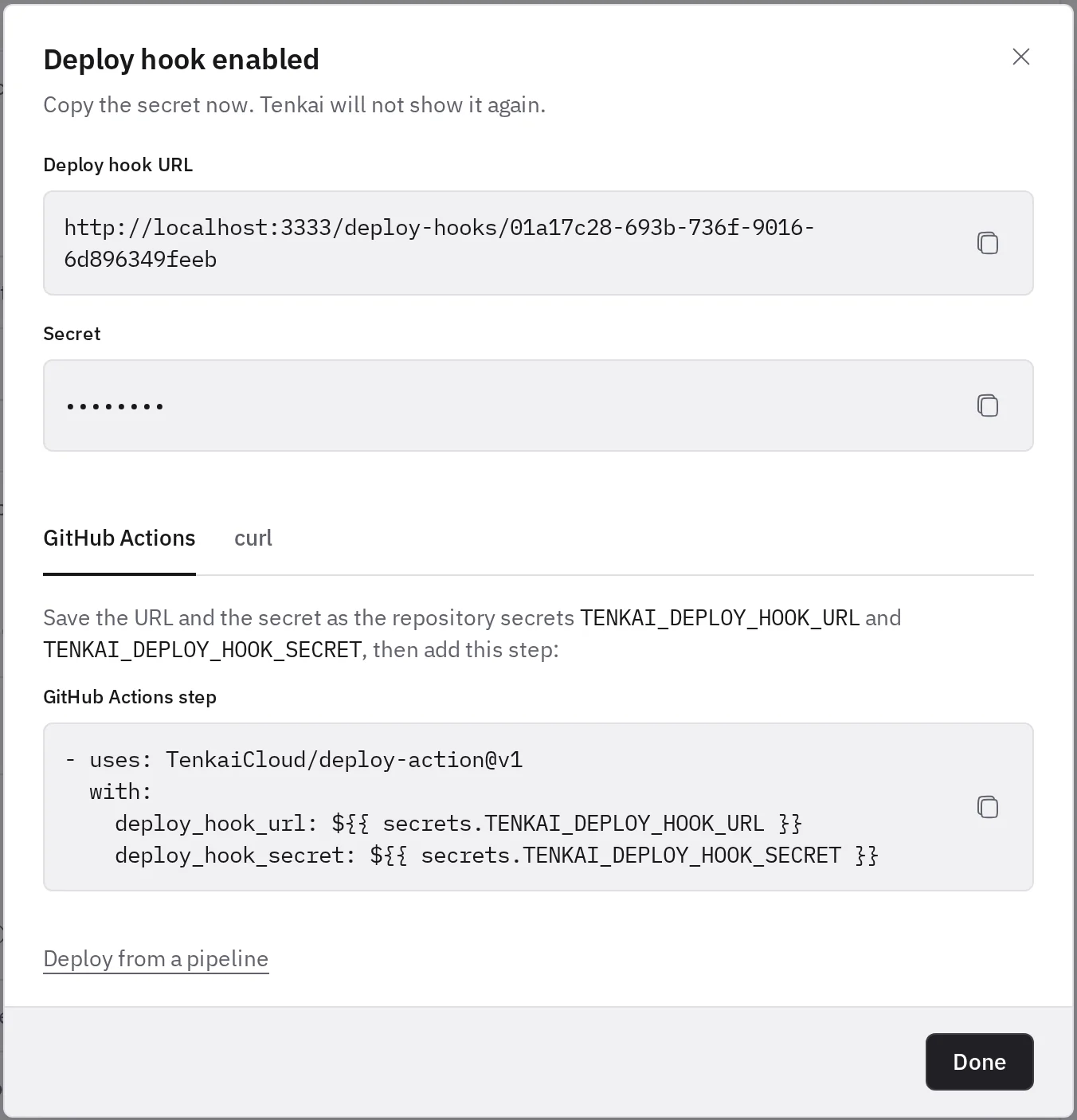
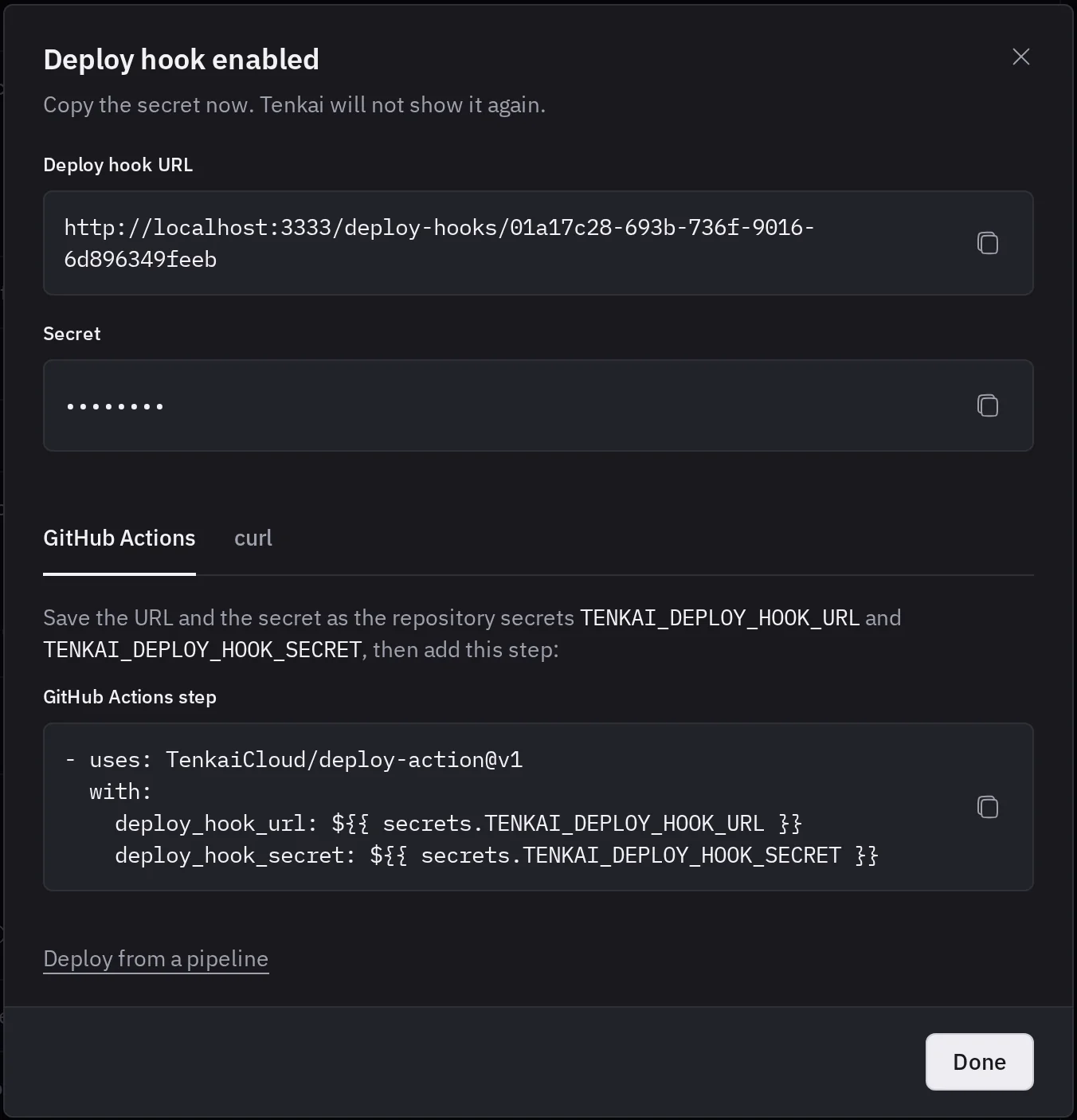
Treat the secret as a password: whoever holds it can deploy this application to production. Keep it in the secret store of your pipeline, never in the repository.
Deploy from GitHub Actions
Add the URL and the secret to the secrets of your repository, as TENKAI_DEPLOY_HOOK_URL and TENKAI_DEPLOY_HOOK_SECRET. Then call the hook with the Tenkai deploy action in the last step of the job:
- uses: TenkaiCloud/deploy-action@v1
  with:
    deploy_hook_url: ${{ secrets.TENKAI_DEPLOY_HOOK_URL }}
    deploy_hook_secret: ${{ secrets.TENKAI_DEPLOY_HOOK_SECRET }}
The action waits for the deployment to end and fails the job when the deployment fails or Tenkai refuses the request.
Deploy into a preview
The deploy hook of an application deployed from a container image also deploys into the preview of a pull request. With the Tenkai deploy action, set the number of the pull request and the tag your CI built:
- uses: TenkaiCloud/deploy-action@v1
  with:
    deploy_hook_url: ${{ secrets.TENKAI_DEPLOY_HOOK_URL }}
    deploy_hook_secret: ${{ secrets.TENKAI_DEPLOY_HOOK_SECRET }}
    pull_request: ${{ github.event.pull_request.number }}
    image_tag: pr-${{ github.event.pull_request.number }}
From another tool, add them to the URL:
curl --fail-with-body -X POST "$TENKAI_DEPLOY_HOOK_URL?pull_request=12&image_tag=pr-12" \
  -H "Authorization: Bearer $TENKAI_DEPLOY_HOOK_SECRET"
Tenkai deploys that tag of the image of the application into its copy in the preview, and answers with the URL of that deployment, as for any call. Use the hook of the application in the environment previews copy: the preview has no hook of its own.
Call the deploy hook
From any other tool, send a POST request to the URL, with the secret as a bearer token:
curl --fail-with-body -X POST https://tenkai.cloud/deploy-hooks/<resource id> \
  -H "Authorization: Bearer $TENKAI_DEPLOY_HOOK_SECRET"
Tenkai answers 202 once it queued the deployment, with the URL that tells how it goes. This means the deployment started, not that it succeeded:
{
	"deployment": {
		"id": "0199b1c2-…",
		"url": "https://tenkai.cloud/deploy-hooks/<resource id>/deployments/0199b1c2-…"
	}
}
Wait for the deployment to end
Send a GET request to the url of the answer, with the same secret:
{
	"deployment": {
		"id": "0199b1c2-…",
		"statusName": "started",
		"statusLabel": "Started",
		"phaseName": "preparing",
		"phaseLabel": "Preparing artifact",
		"statusDetails": "Deployment started",
		"startedAt": "2026-10-05T14:21:42.000Z",
		"finishedAt": null
	}
}
statusName is started while the deployment runs, then succeeded or failed, and statusDetails says why a deployment failed. Compare the names in a script, not the labels, which may change.
This script deploys, then reads the deployment every 5 seconds. It fails when Tenkai refuses a request or when the deployment fails. It needs curl and jq, which GitHub runners have:
set -eu

if ! queued=$(curl --fail-with-body -sS -X POST "$TENKAI_DEPLOY_HOOK_URL" \
  -H "Authorization: Bearer $TENKAI_DEPLOY_HOOK_SECRET"); then
  echo "$queued"
  exit 1
fi
url=$(echo "$queued" | jq -r .deployment.url)

while true; do
  if ! deployment=$(curl --fail-with-body -sS "$url" -H "Authorization: Bearer $TENKAI_DEPLOY_HOOK_SECRET"); then
    echo "$deployment"
    exit 1
  fi
  status=$(echo "$deployment" | jq -r .deployment.statusName)

  if [ "$status" = "succeeded" ]; then
    exit 0
  fi

  if [ "$status" = "failed" ]; then
    echo "$deployment" | jq -r .deployment.statusDetails
    exit 1
  fi

  sleep 5
done
Set a time limit on the job, such as timeout-minutes in GitHub Actions, so a deployment that takes too long does not hold your pipeline.
Send the files of a static site
A static site deploys the files each request brings: a tar.gz of the content of the output directory of your build, sent as the body with Content-Type: application/gzip. With the Tenkai deploy action, set path to that directory. Deploy a single-page application gives a complete workflow and the curl request.
The archive must:
- stay under 100 MiB, and its files under 512 MiB and 50,000 entries once unpacked;
- hold only files and directories, with no symbolic link, hard link or device, no absolute path and no
..; - have an
index.htmlat its root. Pack the content of the directory, astar -czf site.tar.gz -C dist .does, not the directory itself.
Tenkai keeps the archive for 3 days. A deployment that has not used it by then fails with The files of this deployment are no longer kept: send the files again.
When Tenkai refuses the request
A refusal carries a status and a JSON body with an error code and a message. Tenkai queues nothing when it refuses.
| Status | error |
What to do |
|---|---|---|
401 |
invalid_deploy_hook_secret |
Send the current secret. A rotated or revoked secret no longer works, and the hook goes when the member who issued its secret leaves the team. |
402 |
server_limit_restriction |
The team stayed above its server limit for 7 days. Remove servers or upgrade the plan. |
403 |
deployment_not_allowed |
The team member who issued the secret can no longer deploy. Rotate the secret. |
404 |
resource_not_found, deployment_not_found |
The application takes no deployment, for example while its project is deleted. Or it has no deployment with the id you read. |
404 |
preview_not_found |
The pull request has no open preview that copied this application. Open the pull request first, or close and reopen one whose preview opened before Tenkai took images. |
409 |
preview_not_open |
The preview of the pull request is still opening. Call the hook again in a minute. |
409 |
preview_image_changed |
The application pulls another image than the one its preview copied. Close and reopen the pull request. |
409 |
preview_ambiguous |
Pull requests of several repositories have this number. Name the image after the repository of the pull request. |
409 |
mutation_in_progress, backup_running, reconciliation_required, resource_being_deleted |
Another operation holds the application, such as a deployment that runs. Call the hook again when it ends. |
413 |
archive_too_large |
Make the archive or its files smaller: see the limits. |
422 |
static_files_required |
The application is a static site: send its files with the request. |
422 |
static_files_not_accepted |
Only a static site takes files: send the request without a body. |
422 |
invalid_archive |
The message says what Tenkai refused, such as a symbolic link or no index.html at the root of the archive. |
422 |
invalid_preview_request |
Send pull_request and image_tag together. |
422 |
invalid_image_tag |
Send only a tag, such as pr-12, of the image the application deploys. Tenkai deploys no other image into a preview. |
429 |
too_many_requests |
Wait a minute. Tenkai accepts 20 calls and 60 reads a minute for one hook from one address. |
503 |
cluster_unreachable, no_node_takes_workloads |
The cluster cannot take a deployment now. Check its nodes. |
A call after a deployment finished starts a new deployment.
Who the pipeline deploys as
The pipeline deploys as the team member who issued the secret.
- When that member gets a team role that cannot deploy, Tenkai answers
403. Another member who can deploy rotates the secret, and the pipeline then deploys as them. - When that member leaves the team, Tenkai removes the hook and answers
401. Another member who can deploy enables it again. The URL stays the same, and the secret is new.
Rotate the secret or revoke the hook
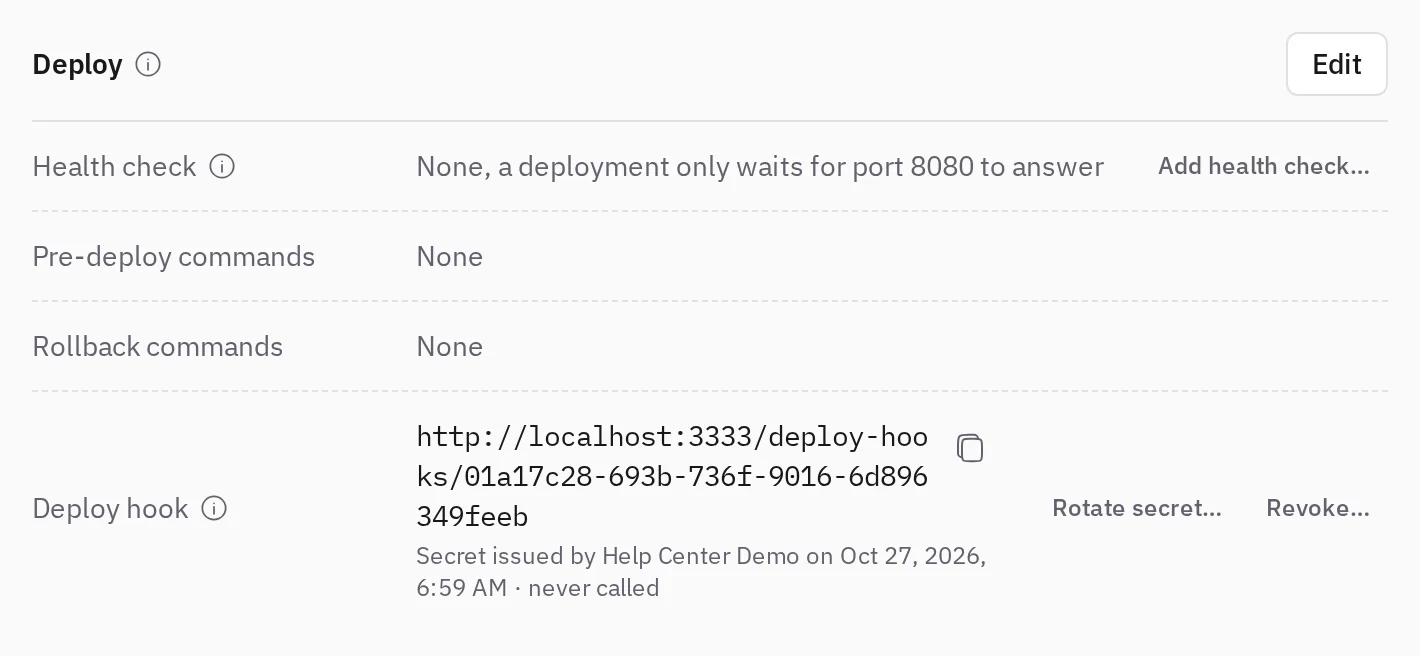
Choose Rotate secret… to replace the secret. The URL stays the same, and the old secret stops working at once, so update your pipeline right after.
Choose Revoke… to remove the hook. Rotate or revoke as soon as a secret may have leaked.