Read the logs of a resource and open a terminal in it
Follow what the containers of a web application or a managed service write, search it, and open a shell inside a running replica.
What these two tabs are for
A web application, a worker and a managed service have a Logs tab and a Terminal tab. A scheduled job has Logs only. Use them when a deployment succeeded and the resource still misbehaves. To read why a deployment failed, open the logs of that deployment instead.
Owners, admins and developers see these tabs, viewers and billing members do not. But when a deployment fails its health check, its last log lines are visible to every member who sees the project. Do not print secrets at startup.
Read the logs
Open the resource, then its Logs tab. It starts with the last 200 lines of each container, including exited ones, so you can read why a replica crashed.
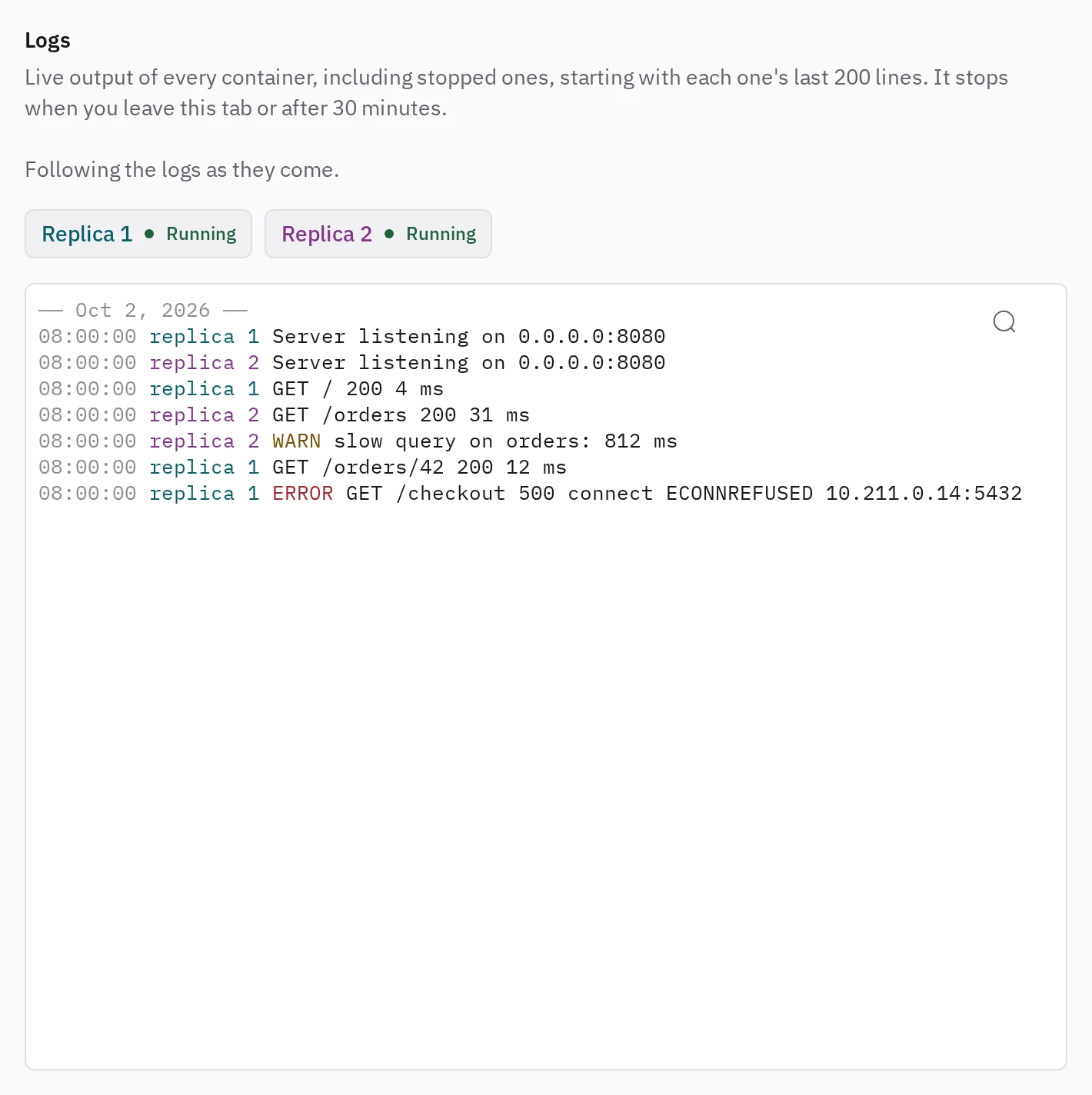
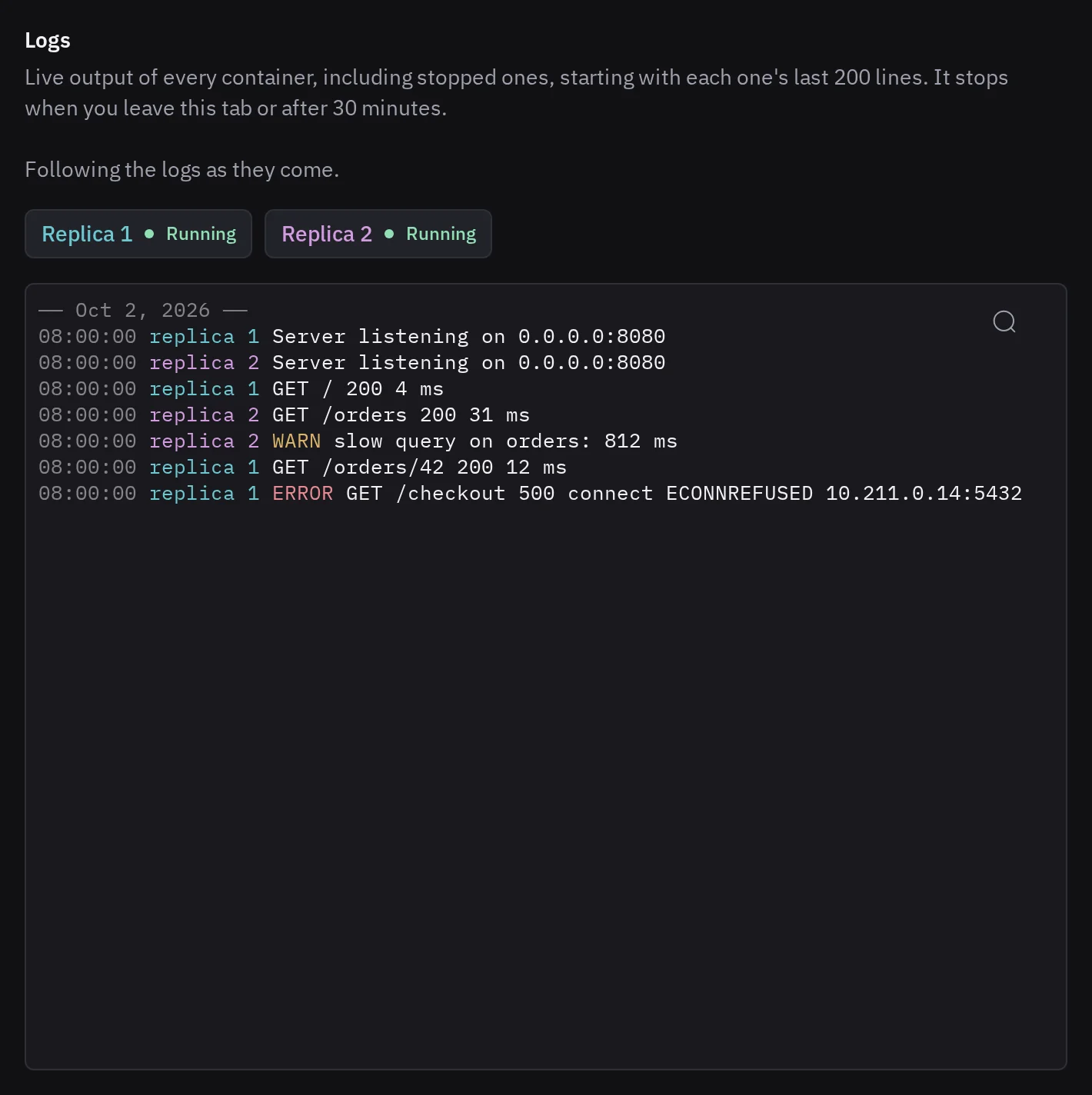
- Replicas. Select a replica's button above the logs to hide or show its lines.
- Search. Choose Search the logs, or press ⌘F or Ctrl+F.
- JSON. If your application logs JSON objects, as pino or winston do, the logs show each line's level, message and fields. Select a line to read the whole object. Choose Raw to see the lines as written.
The logs stop after 30 minutes or when you leave the tab. Choose Follow again to resume. The panel keeps the last 10,000 lines.
Tenkai stores no logs. Docker drops them with the container, so the logs of an older release are gone. Send your logs to a service of your own if you need to keep them.
Open a terminal in a container
Open the resource, then its Terminal tab. With several replicas, choose one under Choose a replica, then Open terminal.
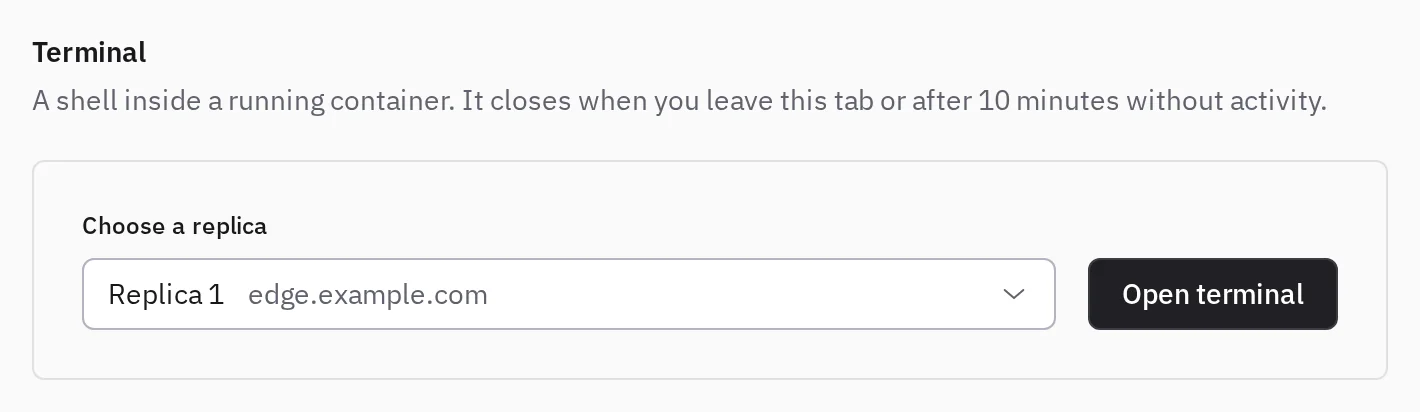
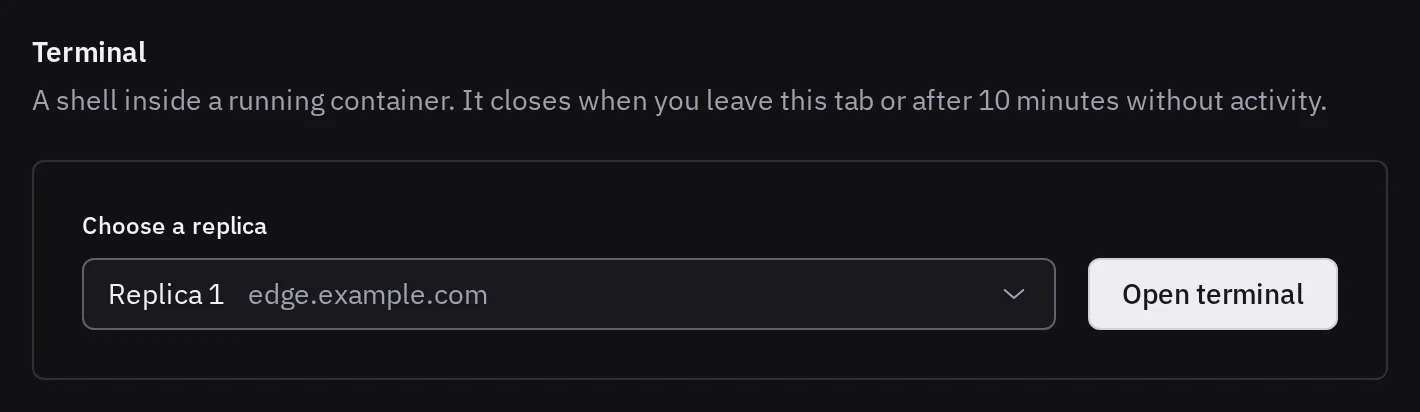
You get Bash, or sh if the image has no Bash, as the container's user and with its variables: env prints the application's secrets.
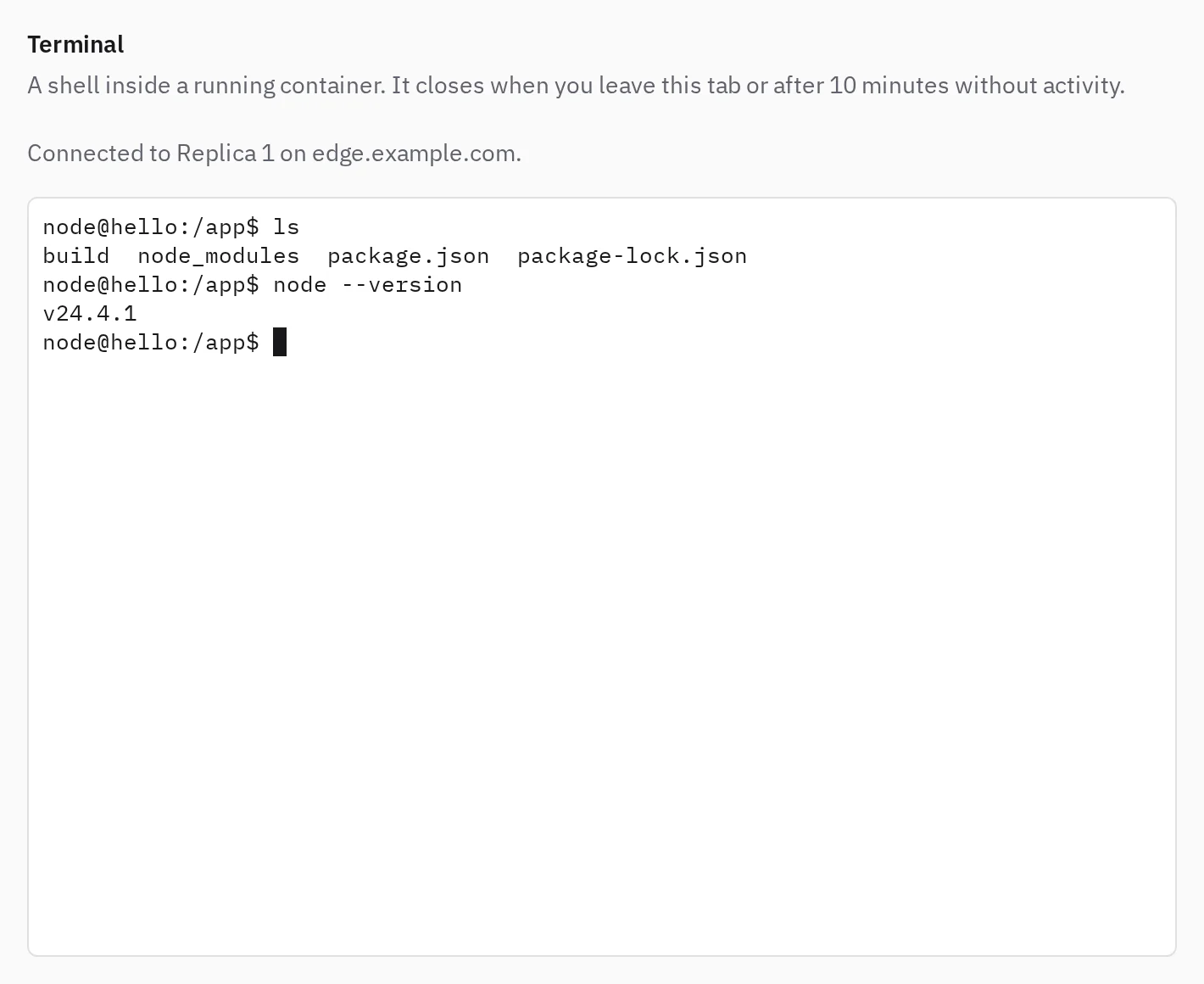
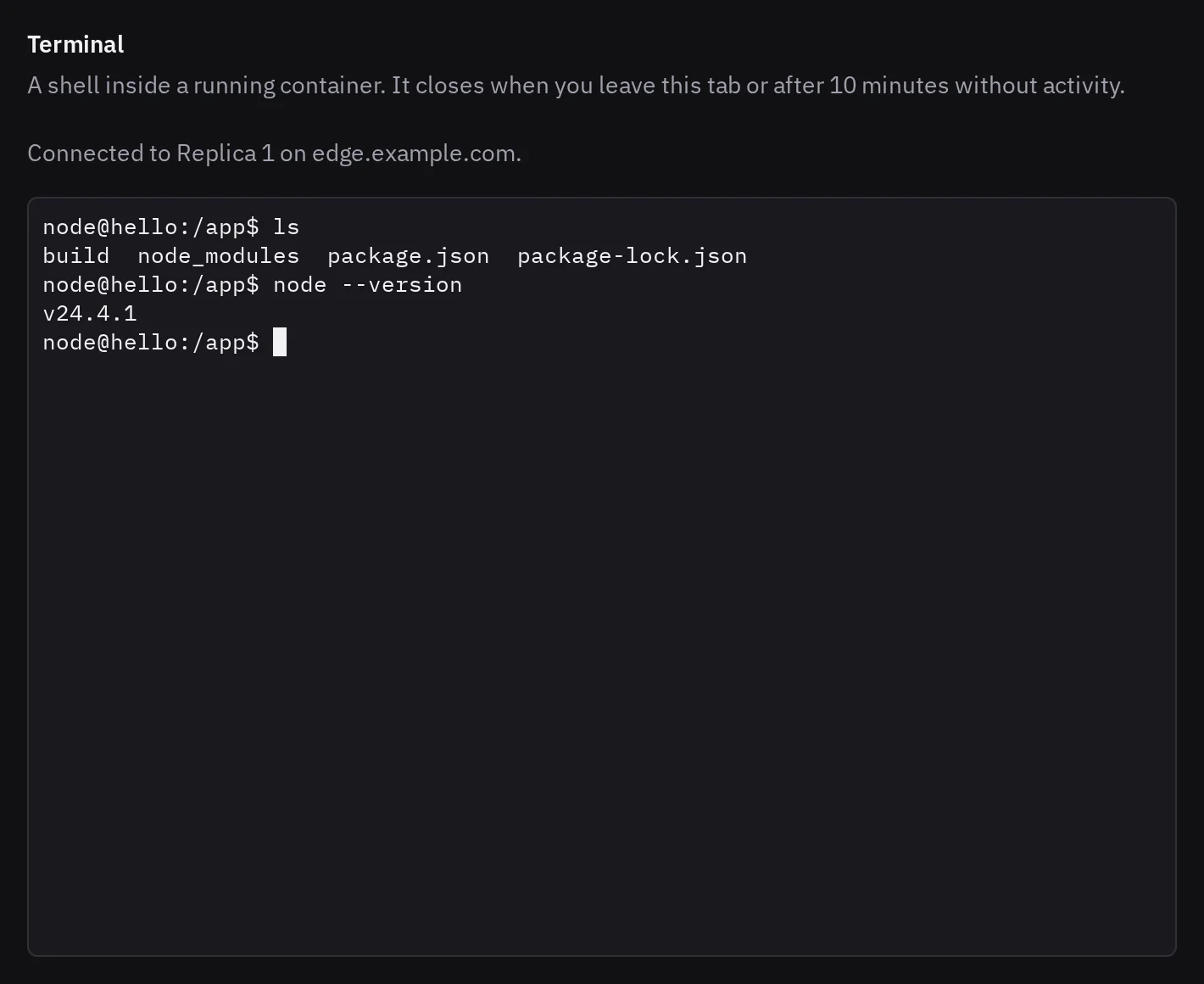
Use the terminal to look, not to repair:
- Changes to the container's filesystem are lost at the next deployment, and other replicas never had them.
- Changes in a kept directory stay, and no deployment undoes them. To recover lost files, restore a backup.
- In a database terminal,
psqlorvalkey-clireach the real data, without any confirmation.
The terminal closes after 10 minutes without activity. Choose Open a new terminal to start another.
For a root shell on the server itself, see Open a terminal on a server.
When a tab shows nothing
- Read the logs once this resource runs or Open a terminal once this resource runs: nothing is deployed or running yet. Deploy it, or read the logs of its deployment.
- No replica of this resource runs right now: every container exited. The Logs tab still shows what they wrote.
- This replica no longer runs: choose another one.
- Tenkai cannot reach the cluster, or the node, that runs this resource: see cluster is not ready.
- The terminal closes at once: the image has no shell, as with distroless images.