Choose an application source
Deploy from a Git repository with a Dockerfile, build from source, use a container image from Docker Hub or GHCR, or send the files of a static site.
Container image
Choose Container image as the build source when your application is already packaged. Use a public Docker Hub or GHCR image reference, such as traefik/whoami:v1.11.0, or a private GHCR image.
Each deployment resolves the tag to the image it points to at that moment. Only a digest, such as traefik/whoami@sha256:…, deploys the same image every time. Use a moving tag, such as main, only for images you publish yourself, as in build an image in GitHub Actions.
The image must support your cluster's CPU architecture and start an HTTP server on 0.0.0.0. Set Port to the port it listens on, 8080 by default: see the runtime port.
Git repository with a Dockerfile
Choose Dockerfile-backed Git repository. Enter the repository URL, an optional Revision, the build directory / context and the Dockerfile path. Use . and Dockerfile when both are at the repository root.
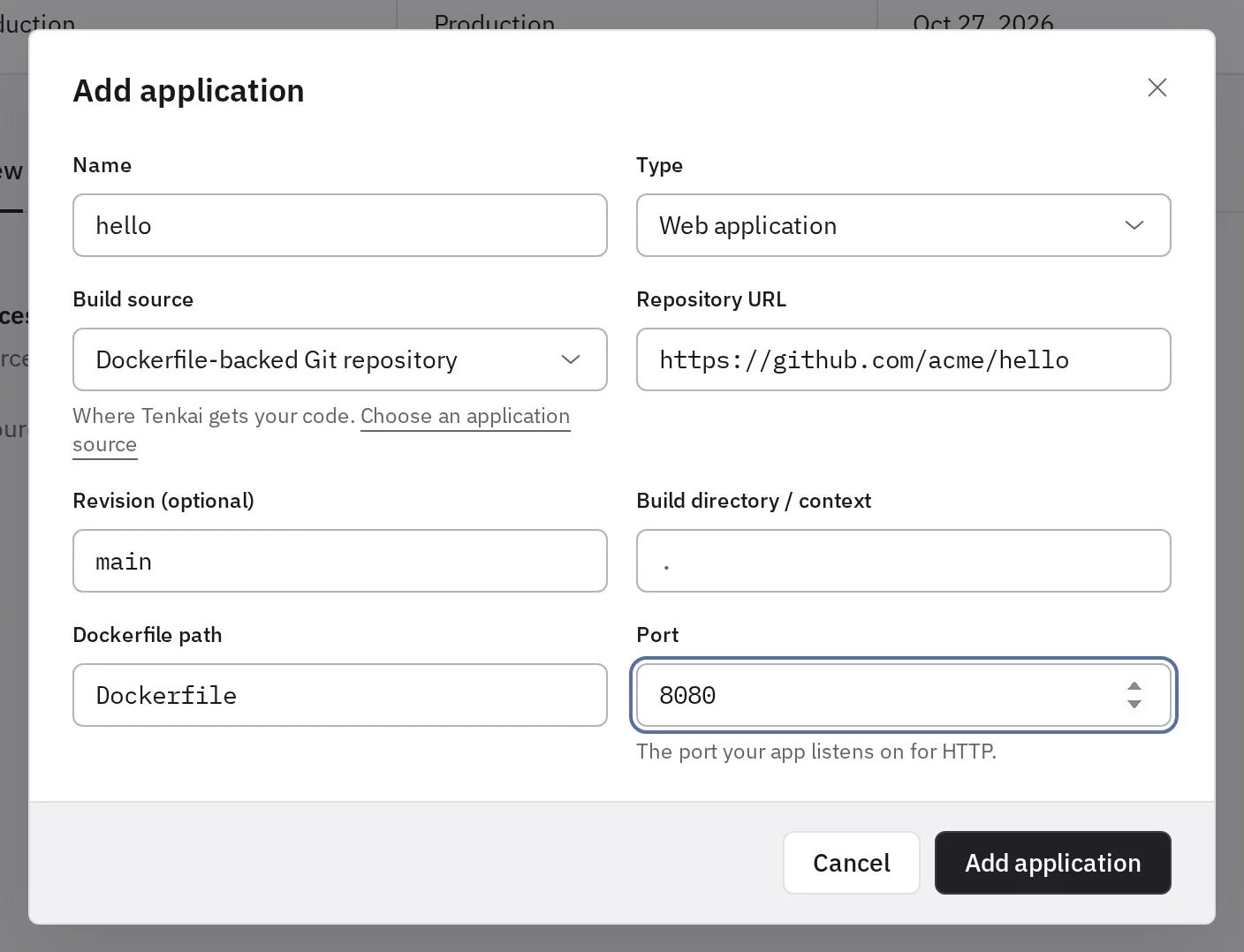
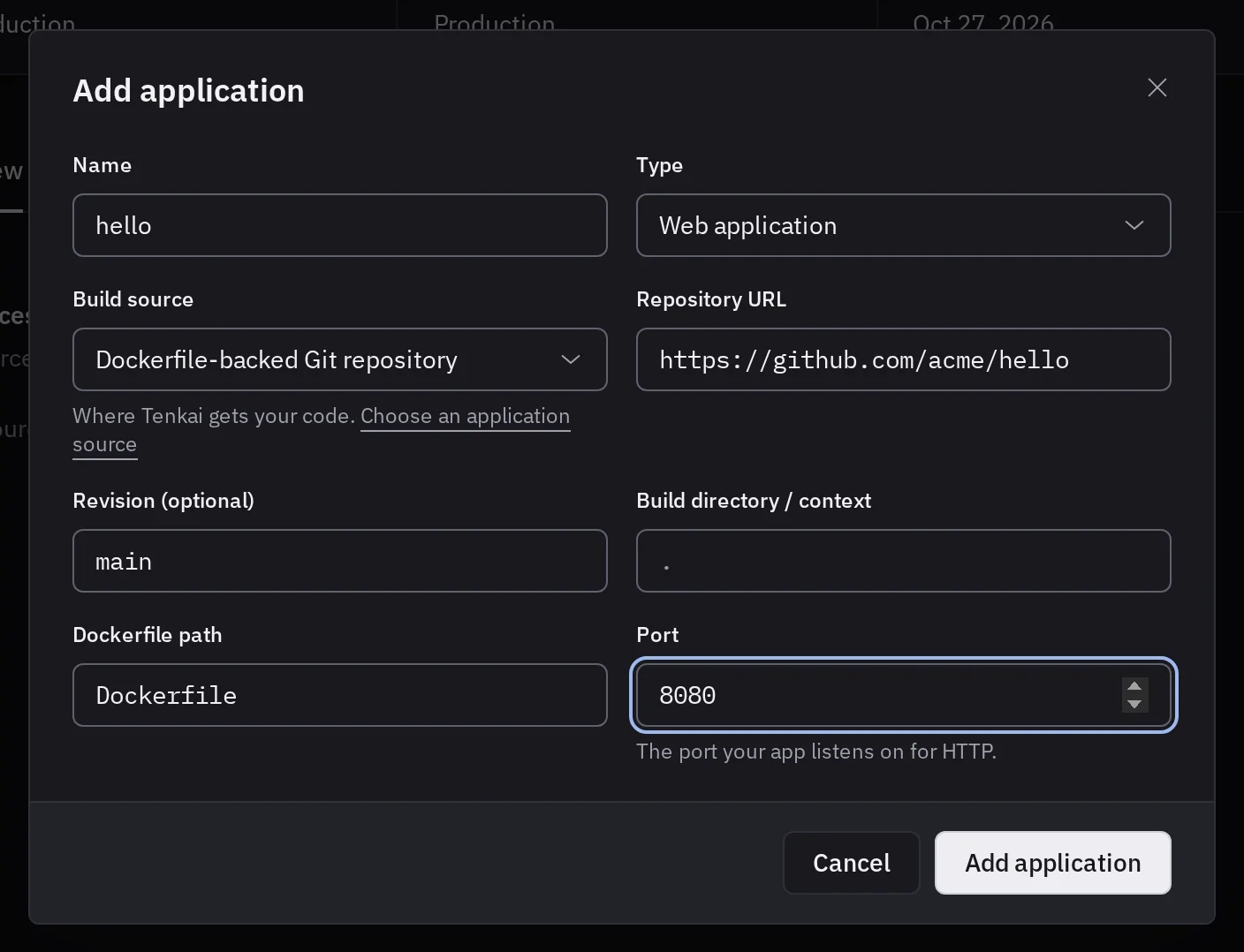
Use an HTTPS repository: a public one, or a private GitHub repository. Git submodules and Git LFS are not supported. The Dockerfile path is relative to the build directory, and Docker can copy only the files inside it. In a monorepo whose build needs shared files at the root, set the context to . and the Dockerfile path to apps/web/Dockerfile.
Tenkai builds on your cluster, which offers Container image alone until you turn Git builds on. The Node.js and PHP guides each give a complete example. To build somewhere else, publish the image from GitHub Actions.
Build from source
Choose Build from source when you do not maintain a Dockerfile. Tenkai uses Railpack to detect the application and prepare an image. Set the build directory to the application's directory, and a build command if the detected one does not fit.
Your repository still needs a supported runtime and a start command. For Node.js, include a package.json with a start script. A successful build does not mean the process listens on Tenkai's runtime port.
Static files
For a site that builds to files, such as a Vite, React or Vue application, choose Add resource, then Static site, instead of an application. Your CI builds the site and sends its files to the deploy hook with each deployment. Tenkai serves them without a build, so the cluster needs no Git builds. See deploy a single-page application.
Private GitHub repository
Tenkai reads a private GitHub repository through the Tenkai GitHub App. An owner or an admin of your team connects the GitHub account or organization that owns it, once for the whole team. On GitHub, they must be that account, or an owner of that organization:
- In the team settings, choose Connect GitHub.
- On GitHub, choose the account, give the app the repositories Tenkai deploys, and authorize it.
- Back in Tenkai, the account shows under GitHub.
Then create the application with the repository's usual HTTPS URL, such as https://github.com/acme/shop. Each build reads only that repository, without write access.
To give the app another repository, choose Connect GitHub again and change its repositories on GitHub. Disconnect stops your team's builds from reading the account's private repositories; uninstall the app on GitHub to remove its access there too.
A build that cannot read the repository fails at its first step: check that the app is installed on the account, that it has the repository, and that your team connected that account. Another team never builds with your connection, even after a cluster handover.
Never place a token or private key in the repository URL or in a plain variable.
Private GHCR image
Tenkai pulls a private GHCR image with a GHCR credential: a GitHub token you add under My credentials, in the sidebar. Only you can link it to a resource.
When you create the application and Tenkai cannot pull the image anonymously, it offers the GHCR credentials that can pull it. Later, change the credential from Image access in the Configuration tab. See Pull a private GHCR image for the token to create. Private Docker Hub images are not supported.
Change what the containers start with
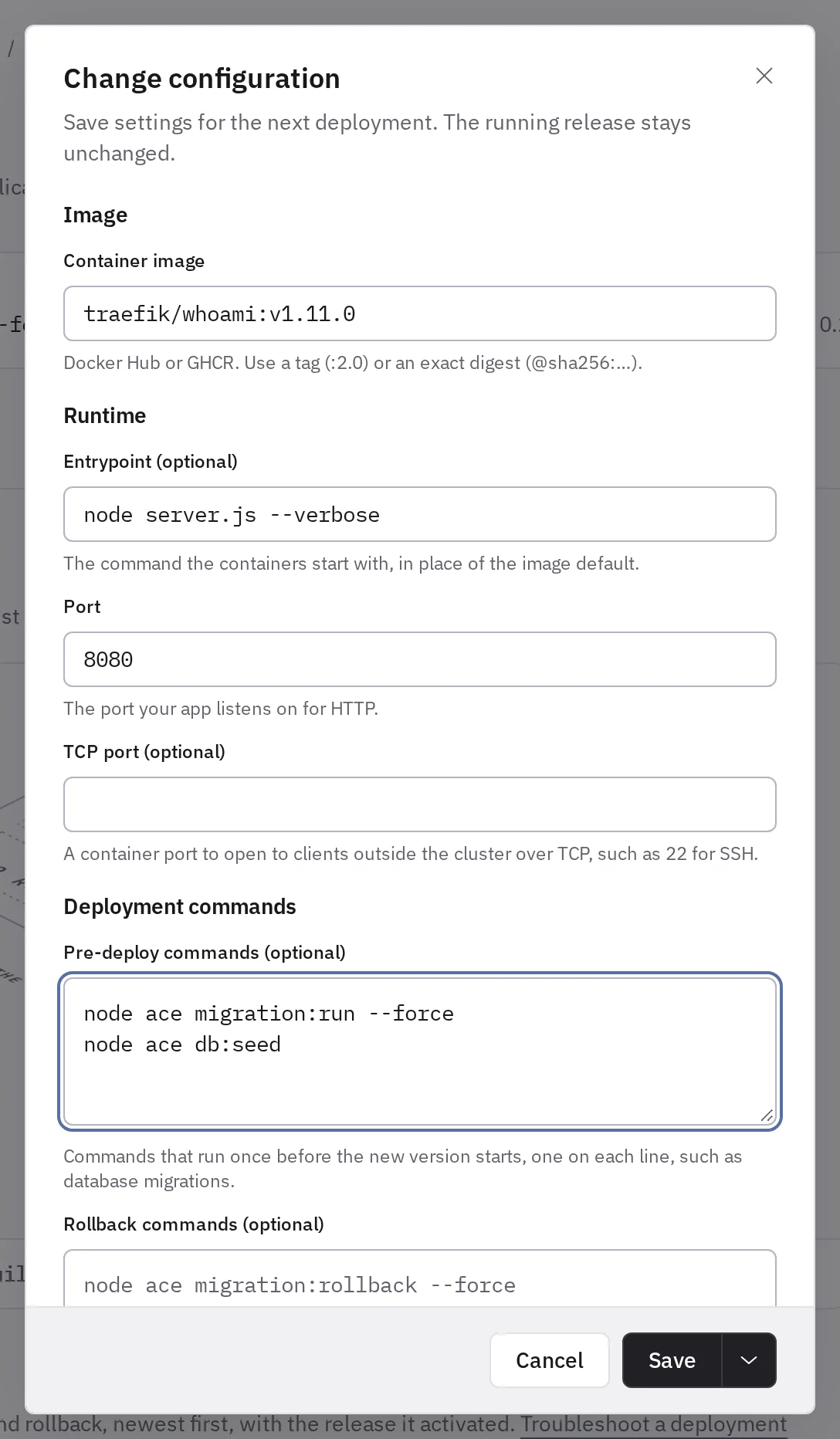
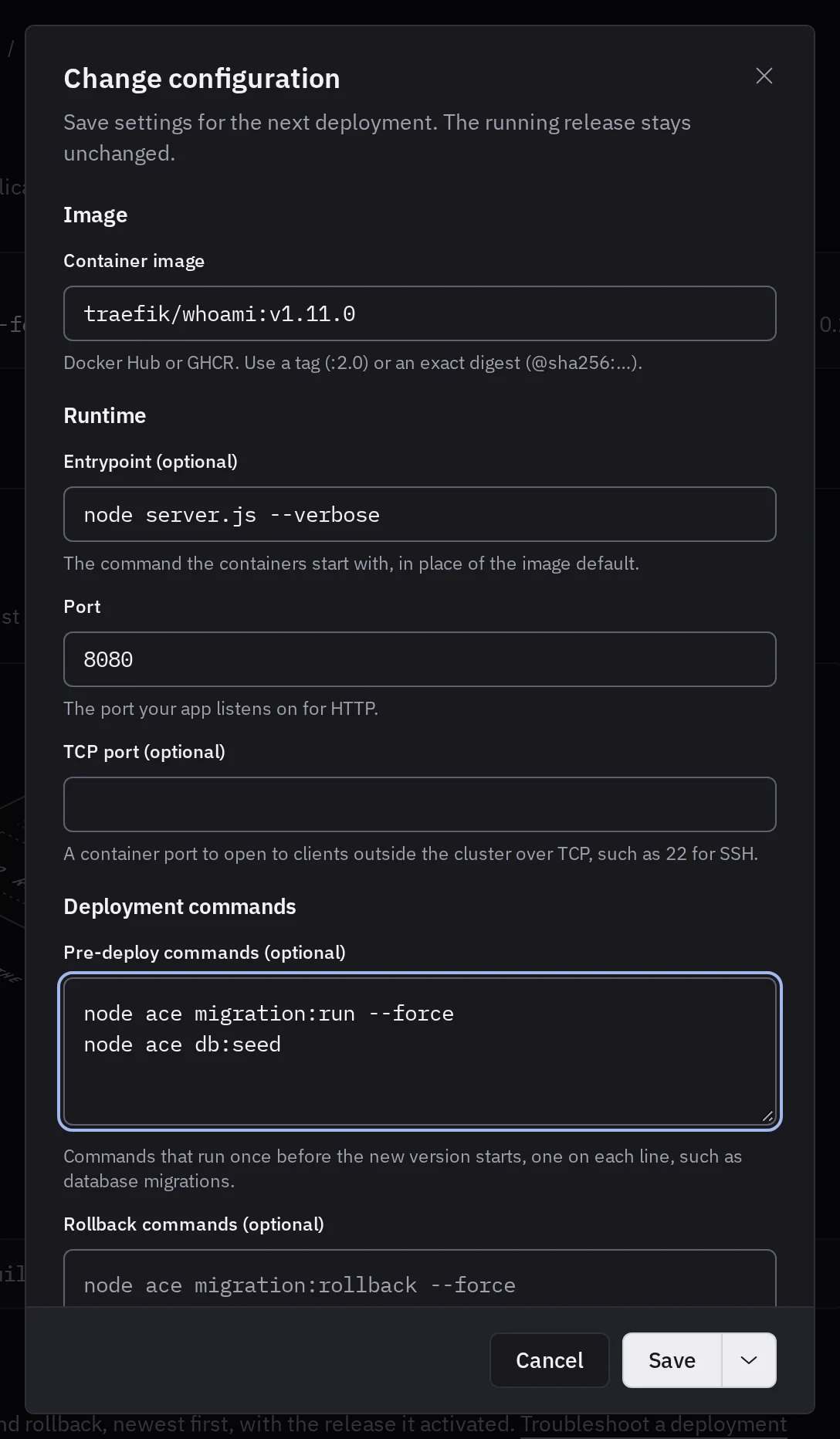
A web application starts with the entrypoint and the command its image declares. To change them, choose Edit next to Run in the Configuration tab, and enter an Entrypoint, such as node server.js --verbose.
Tenkai runs the entrypoint without a shell. Quote an argument that has spaces. Start with sh -c to expand a variable or chain commands, as in sh -c "node migrate.js && node server.js". Leave the field empty to use what the image declares.
An entrypoint runs each time a replica starts. For work that must run once for each deployment, such as database migrations, use pre-deploy commands in the same dialog.
Save does not change the running release. Apply configuration later runs the active release again with the new settings, and Deploy prepares a new artifact. Save and apply saves the settings and runs the active release with them, without a new artifact. An image change always needs a deployment: the menu next to Save then offers Save and deploy.
To choose the size and the replicas from the requests your application serves, estimate them in Learn.
After changing configuration
Check variables, then start a new deployment. If preparation fails, read the message under it in Deployments, on the resource's overview tab. Troubleshooting lists the source and build checks.