Find what was changed outside Tenkai
Read the health tab of a web application or a worker: what a runtime drift is, what Tenkai compares with the running service, and how to put back what Tenkai records.
What a runtime drift is
A runtime drift is a difference between what Tenkai deployed for a web application or a worker and what its service on the cluster runs now. It appears when someone changes the service on a server outside Tenkai, for example with docker service scale, docker service update or docker service rm. Such a change is often made during an incident and then forgotten.
Tenkai does not check managed services or scheduled jobs.
Read the health tab
Open a web application or a worker, then its Health tab. Running service shows each setting Tenkai compares, in red when the service no longer runs what Tenkai applied. Choose a setting to read both values.
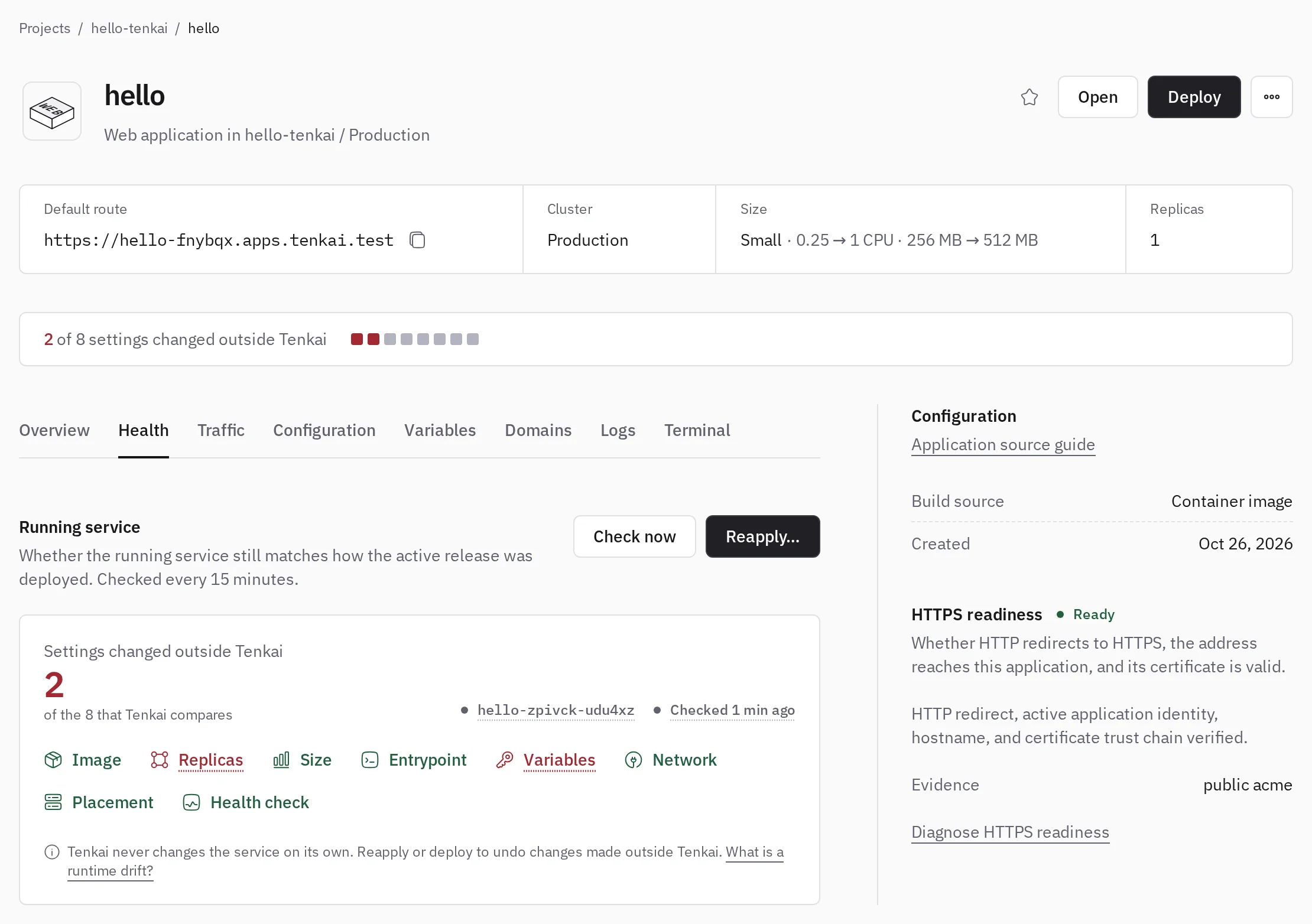
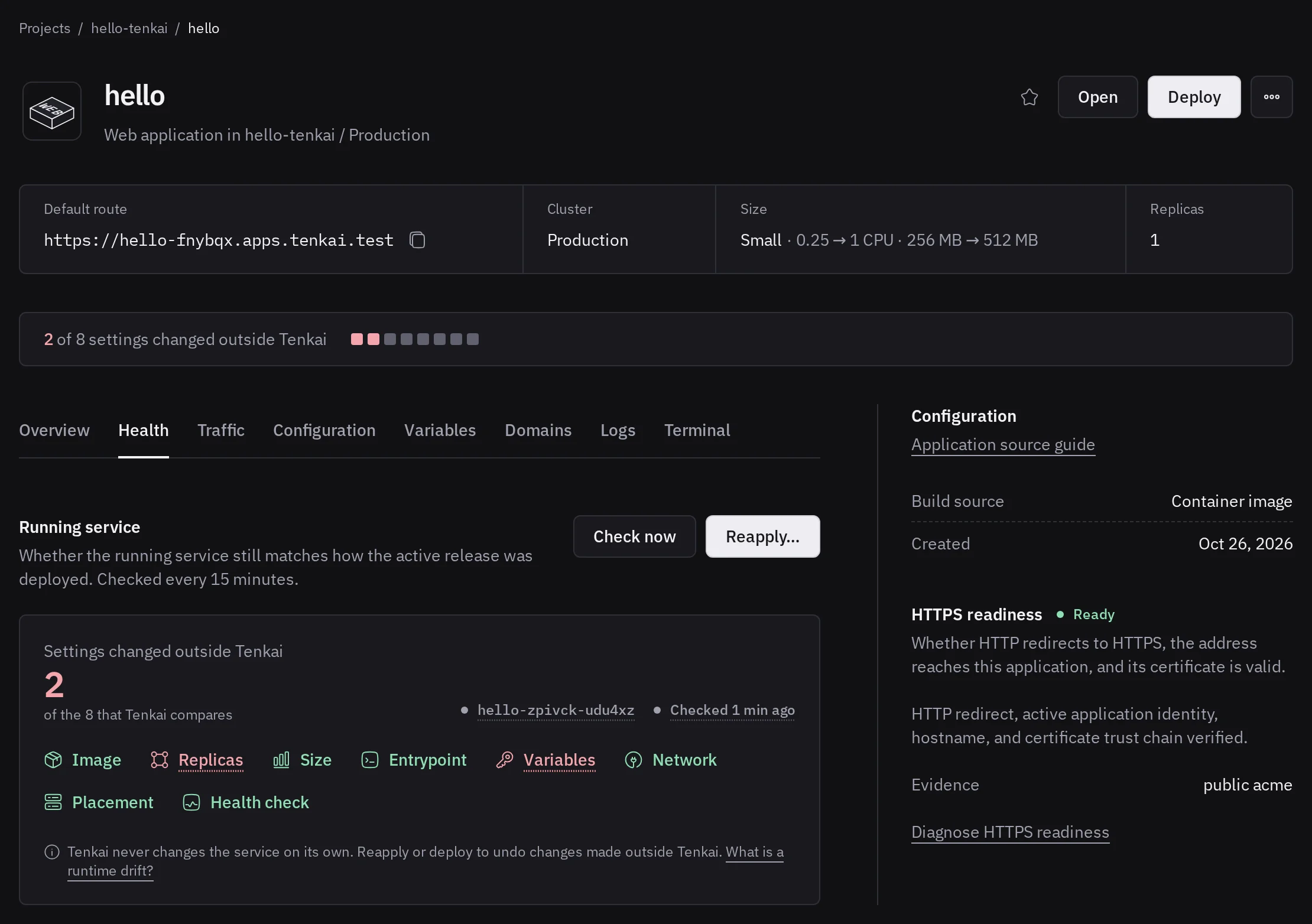
Tenkai checks every cluster every 15 minutes, and right after each deployment. A team member who can deploy can choose Check now. A check changes nothing on the cluster.
What Tenkai compares
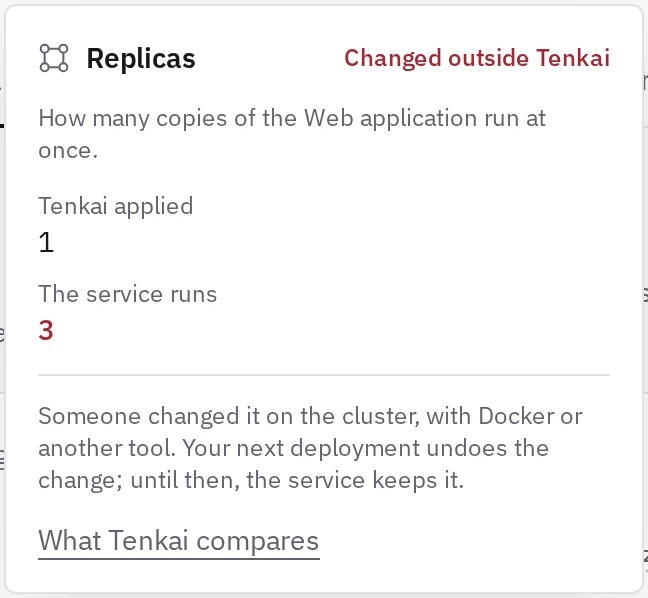
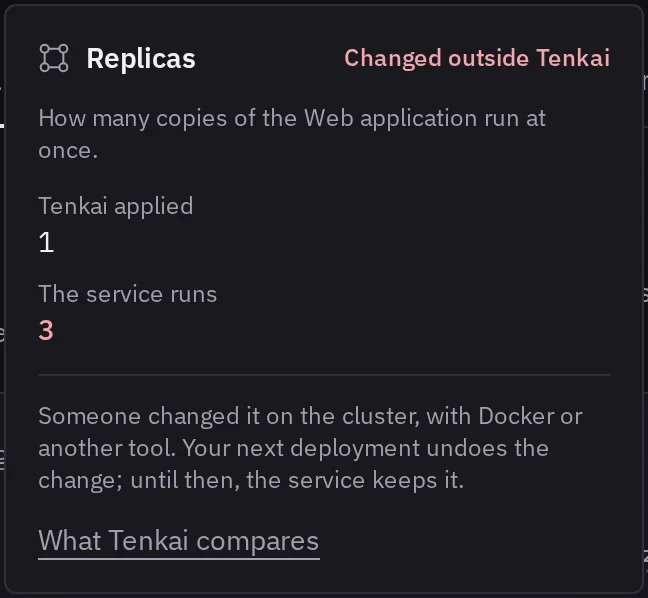
Tenkai compares the service with what the deployment of the active release applied. A change you made in Tenkai and did not deploy yet is not a drift.
- Image: the service no longer runs the code Tenkai shows as deployed.
- Replicas: how many copies the cluster keeps running.
- Size: what each replica reserves and may use.
- Entrypoint: what the containers start with, including added arguments.
- Variables: a variable was added, removed or changed. Tenkai keeps only a fingerprint of each value and never shows it. A
PORTset by hand on a worker reads as an added variable. - Network: a service that joined another network can be reached from it.
- Placement: a constraint added by hand may keep the service on one node, or leave it nowhere to run. A limit of replicas per node changed by hand lets two replicas share a node, or leaves one with no node to run on.
- Health check: only the start period and start interval Tenkai sets. A service that starts its checks later may give up before it is ready. A service deployed before Tenkai set these timings shows here until its next deployment.
When the service is gone
The service is gone from the cluster means someone removed it, or created it again under another name. A web application serves nothing, and a worker takes no job, until you reapply or deploy it.
Undo changes made outside Tenkai
Tenkai never undoes a change made by hand on its own. To undo it, choose Reapply on the Health tab. Tenkai runs the active release again in a new service, without a build, and removes the changed one. This works when the service is gone too. Reapply shows once a check found a drift, to a team member who can deploy.
The new service uses the current configuration. If you changed a variable, the size, the replicas or the entrypoint in Tenkai since the last deployment, the dialog says so: that change is applied too.
A deployment also ends a drift. Deploy when Tenkai refuses a reapply because the cluster registry no longer keeps the artifact of the active release.
To keep a change made by hand, make it in Tenkai instead, then deploy.
Unmanaged services
The same check lists, in the Unmanaged services section of the cluster, the Swarm services that Tenkai does not record: a tool installed with docker service create, a stack deployed by hand, or a service left by a deleted resource. Containers started with docker run are not listed.
An unmanaged service is marked Conflict when it takes something your applications use:
- a port: it publishes a port on the nodes, open to the Internet unless your firewall closes it;
- a hostname: it claims the default route or a custom domain of a web application, which may stop answering on it.
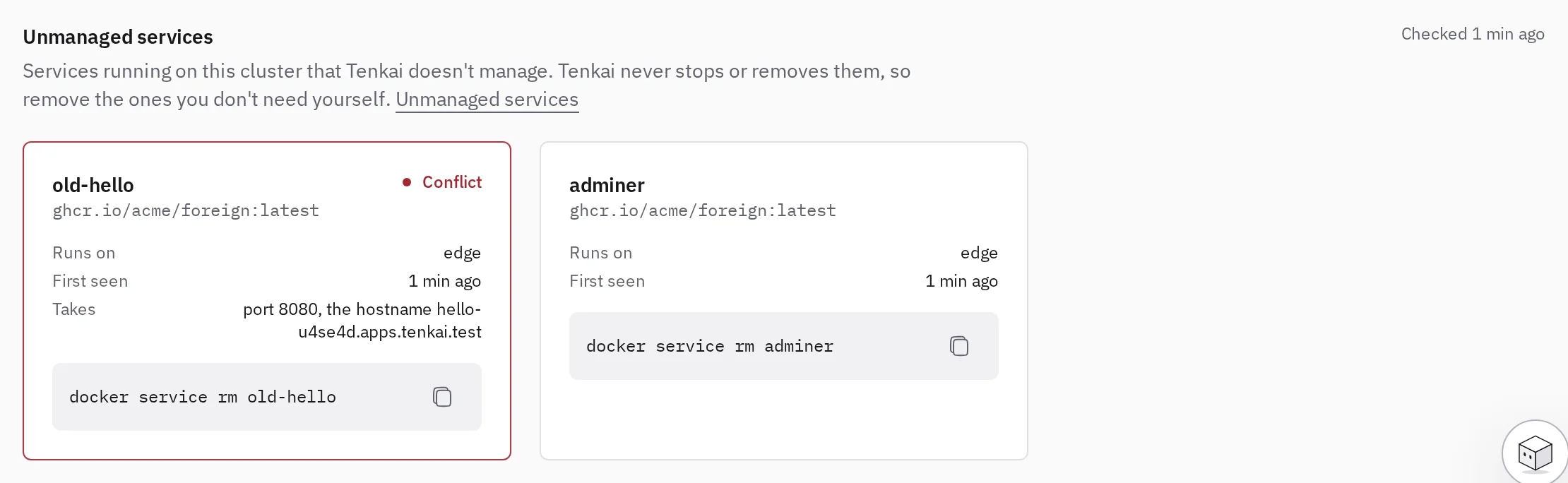
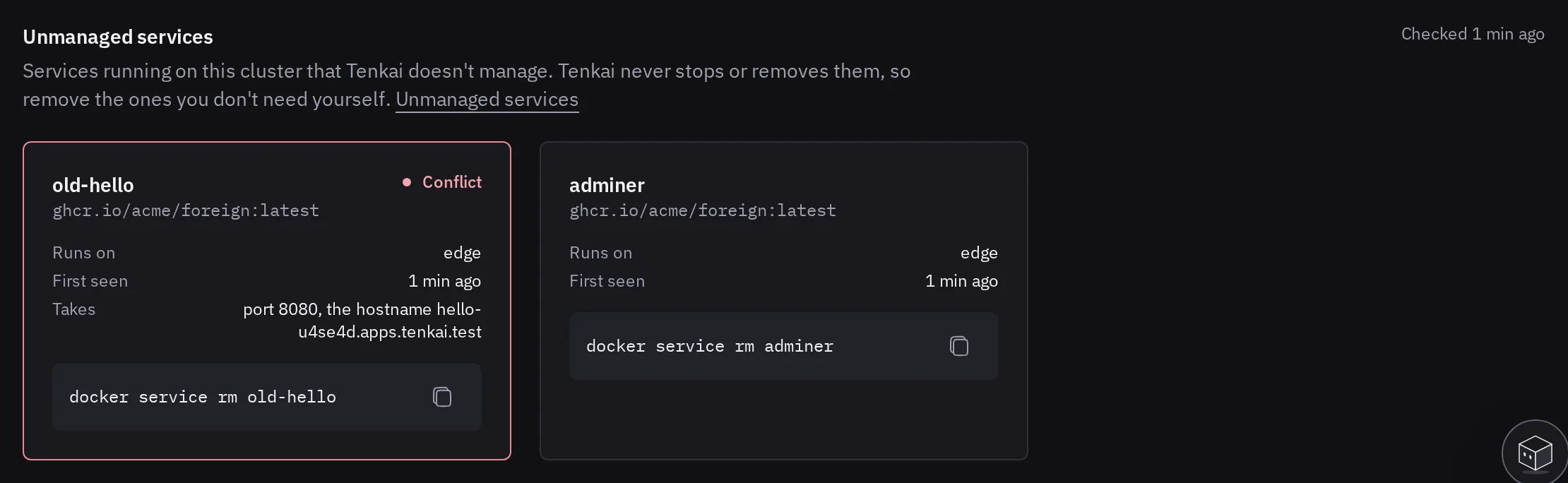
Tenkai never removes an unmanaged service, since it may hold data. To remove one, copy the command of its card and run it on a manager node:
docker service rm <name>
The section updates at the next check, within 15 minutes. To have Tenkai run a service, create it as a resource in a project.
Impossible to verify means no manager node answered the last check: the list shown may be out of date.
Ports left open
On the Pro and Team plans, the Firewall tab of a server lists, every day, the ufw rules that open a port Tenkai did not open, and the processes outside Docker that listen on a port ufw lets in. It also says when ufw is off.
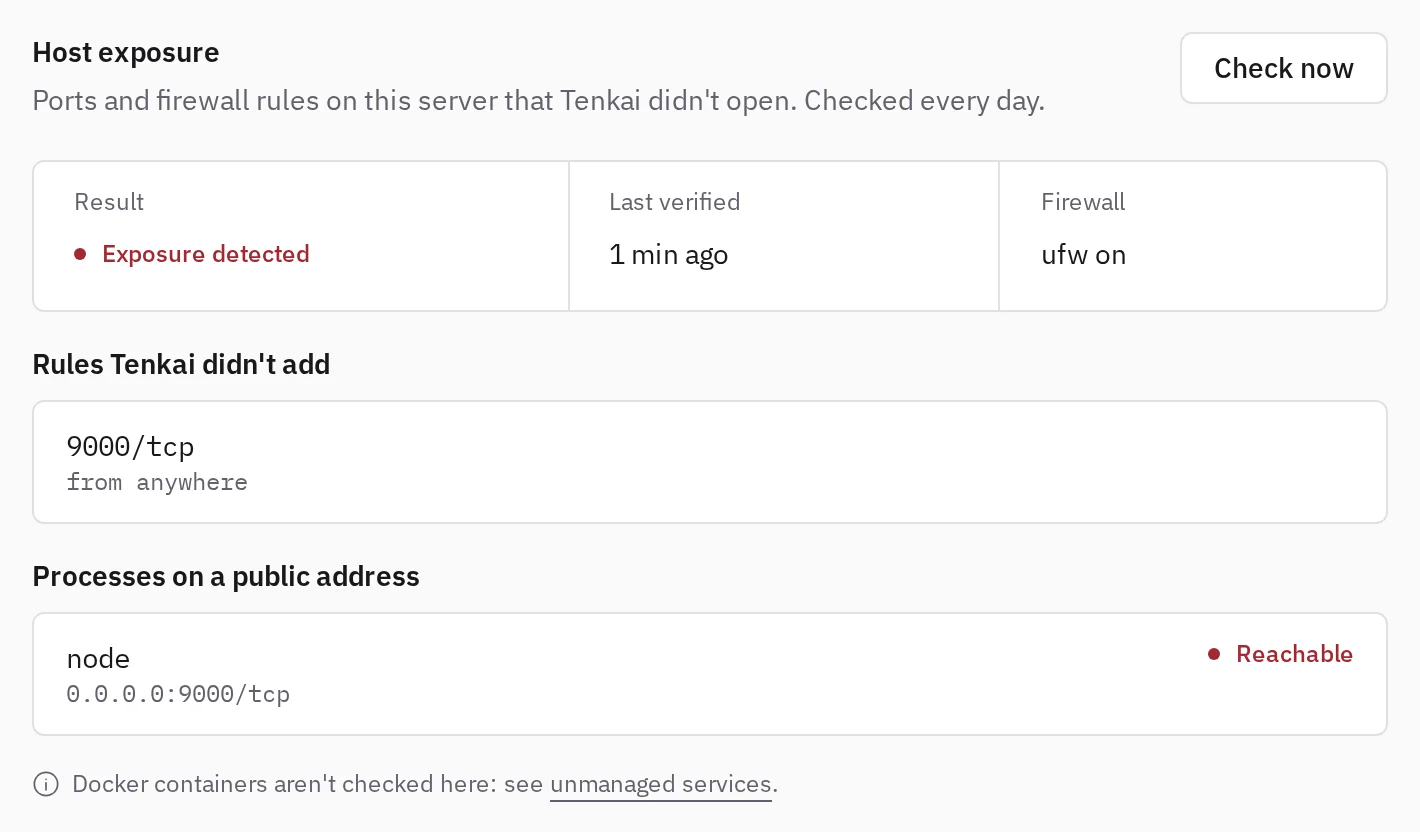
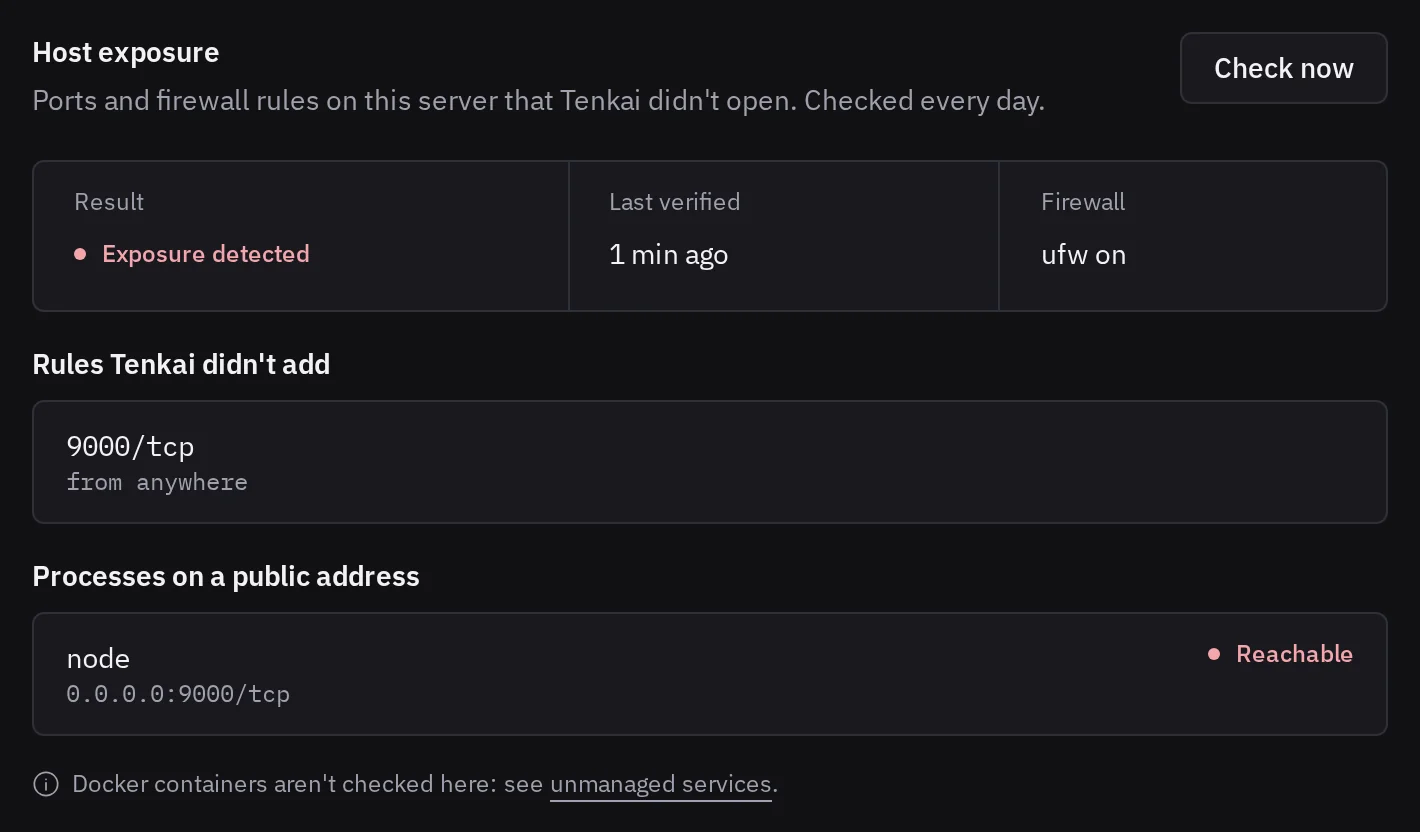
If nobody on your team opened the port, close it with ufw delete allow <port>/tcp or stop the process. Turn ufw back on with ufw enable. Then choose Check now. Docker containers are not listed here: they show as unmanaged services.
When Tenkai cannot tell
- Last check failed: no manager node answered, or the check failed. See cluster is not ready.
- Stale check: no check for 45 minutes. Choose Check now.
- Not checked while deploying: Tenkai waits for the deployment to end.
- Only looked for: the active release recorded nothing to compare, so Tenkai only checks that its service exists. Deploy again to compare it.
Health lists the drifted services, the conflicting unmanaged services and the clusters Tenkai could not read across your team.