Pause a web application behind a maintenance page
Pause a web application so every address shows a maintenance page with a 503, over HTTPS, then resume it without an error in between.
Updated
Pause a web application when your visitors must not reach it for a while, such as during a database migration you run by hand. Tenkai stops every replica, and each address of the application shows a maintenance page in its place, over HTTPS, until you resume it.
Pause a web application
Open the web application, then More actions and Pause…. Tenkai first starts a small service that serves the maintenance page, waits until Traefik sends your visitors to it, then stops every replica of the application. No visitor gets an error between the two.
The page then shows Paused with the time the pause started. A paused web application keeps its replicas, its configuration, its active release, its custom domains and their certificates. It takes no deployment until you resume it: Deploy stays disabled, and a deploy hook or a rollback is refused. Its routes stay as they are too: resume the application before you add or remove a custom domain or turn the default route on or off. Your servers keep running, so a pause changes nothing on your bill.
The work Tenkai does on its own leaves the application paused. Its scaling policy suggests and runs nothing, and a suggestion from before the pause waits for the resume. A backup or a restore of an application that keeps files does not start it again, and the maintenance page keeps serving: restored files go live once you resume it.
If the pause fails while the application still runs, Tenkai takes the maintenance page down and your visitors reach the application as before. In every other case, such as a replica that does not stop, an application Tenkai cannot see running, or a page it cannot take down, the application stays paused behind the page, and resuming it brings your visitors back.
If someone starts replicas of the paused application with Docker, its Health tab says so, and Reapply stops them again without a deployment. The maintenance page keeps serving your visitors, as A paused application explains.
What visitors see
Every path of the default route and of each custom domain answers with the maintenance page, such as /, /pricing or /api/orders. Each answer has the status 503 Service Unavailable and a Retry-After header, so search engines keep your real pages indexed and come back later.
The page is one HTML file that Tenkai serves at every path. A custom domain whose HTTPS your application handles itself gets no answer during the pause, since only your application holds its certificate. An application that answers at no address, with its default route off and no custom domain, has nobody to show the page to, so Tenkai starts none.
Your own maintenance page
Tenkai shows a plain default page until you upload yours. The Maintenance page section, beside the tabs of the web application, shows a preview of the page your visitors get, its file name and size, and whether it is served now or only while the application is paused.
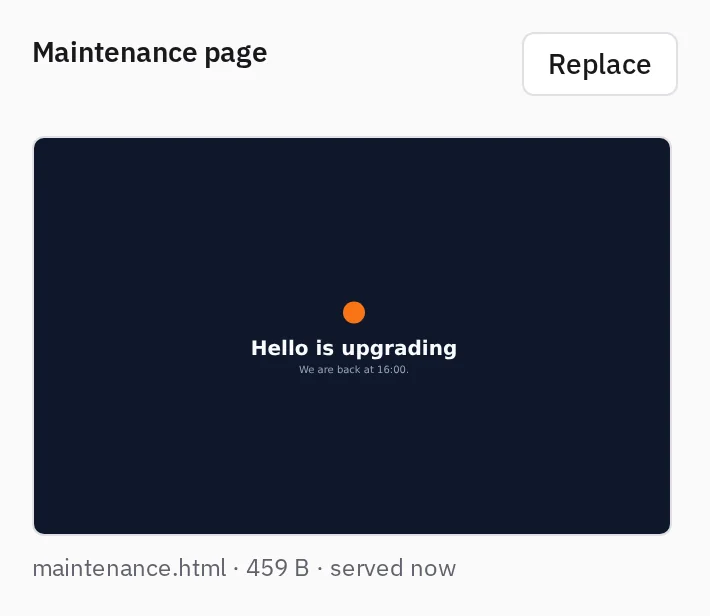
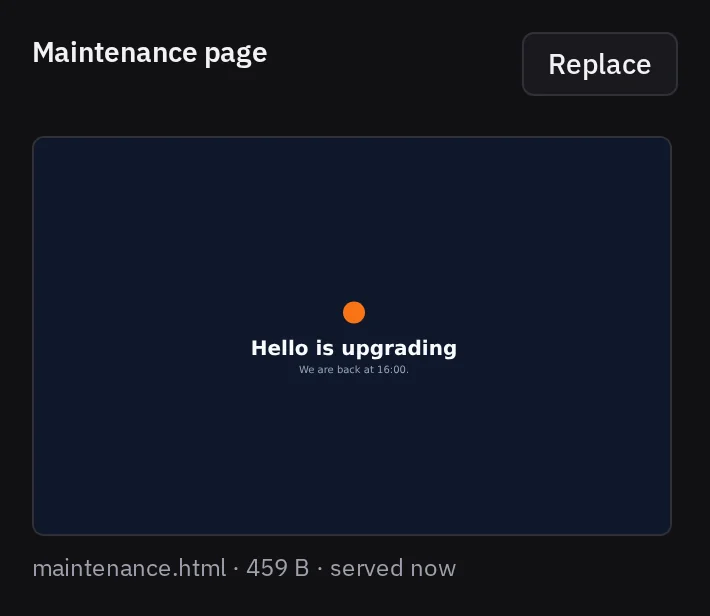
Choose Upload, or Replace once you have a page, then pick one HTML file. Since every path answers with that one file, a relative link to a stylesheet or an image of your application answers with the page itself: put the styles and images in the file, as inline styles and data: images, or load them from another site. The file can weigh up to 500 KB, the most Docker allows for one page. Tenkai refuses a larger file, or one that is not HTML, and tells you why.
You can change the page at any time. While the application runs, the new page waits for the next pause. While it is paused, your visitors get the new page within a few seconds, without a moment where nothing answers. To remove your page, open the same dialog and choose Use the default page.
Resume it
Choose More actions and Resume…. Tenkai starts the replicas the application ran before, with the same release, and waits until its health check passes and Traefik routes to it. Only then does it remove the maintenance service, so your visitors go straight from the maintenance page back to your application.
If the application cannot start, fails its health check, or Traefik does not route it in time, it stays paused and the maintenance page stays up. Read its logs, then resume it again. If Tenkai routes your visitors back but cannot remove the maintenance service, your visitors reach the application while it still shows Paused: resume it again to finish.
A default route whose DNS record Tenkai publishes during the pause is routed when you resume, so it answers with the application right away. A custom domain that still shows Waiting for HTTPS after you resume needs a new check: open its … menu and choose Check HTTPS again.