Pull a private image
Add a token for GHCR, Docker Hub or another registry as your credential, link it to a resource and replace it before it expires.
Updated
Your private images deploy like public ones once you add a token for their registry to your account.
How Tenkai pulls a private image
A registry credential holds a token that Tenkai uses to pull your private images from one registry, and sends to no other. It belongs to you rather than the team, so only you link it and other team members never see its token.
Tenkai asks the registry from the primary edge node of the cluster, as the deployment that pulls the image will, so a check passes only when that node can reach the image. At each deployment, the primary edge node pulls the image with the token and copies it into the cluster registry. While the deployment runs, anyone with root on the edge node can read the token. Running releases keep running when the token stops working, because only the next deployment needs a working credential.
GHCR
Create the token
You need a personal access token (classic), because a fine-grained token or a workflow's GITHUB_TOKEN does not work.
- On GitHub, open Settings, Developer settings, Personal access tokens, Tokens (classic), then choose Generate new token (classic).
- Tick only the
read:packagesscope. - Choose an expiration. Tenkai warns you a week before it.
A classic token reads every package its account can see, in every organization. Create it on a dedicated machine user, such as acme-deploy, whose read access covers only the packages you deploy.
Add your GHCR credential
Open My credentials in the sidebar and choose Add GHCR credential…, or Add credential… then GHCR if your team has early access to other registries. Enter a name and paste the token. Tenkai checks it with GitHub and stores it encrypted. It never shows the token again.
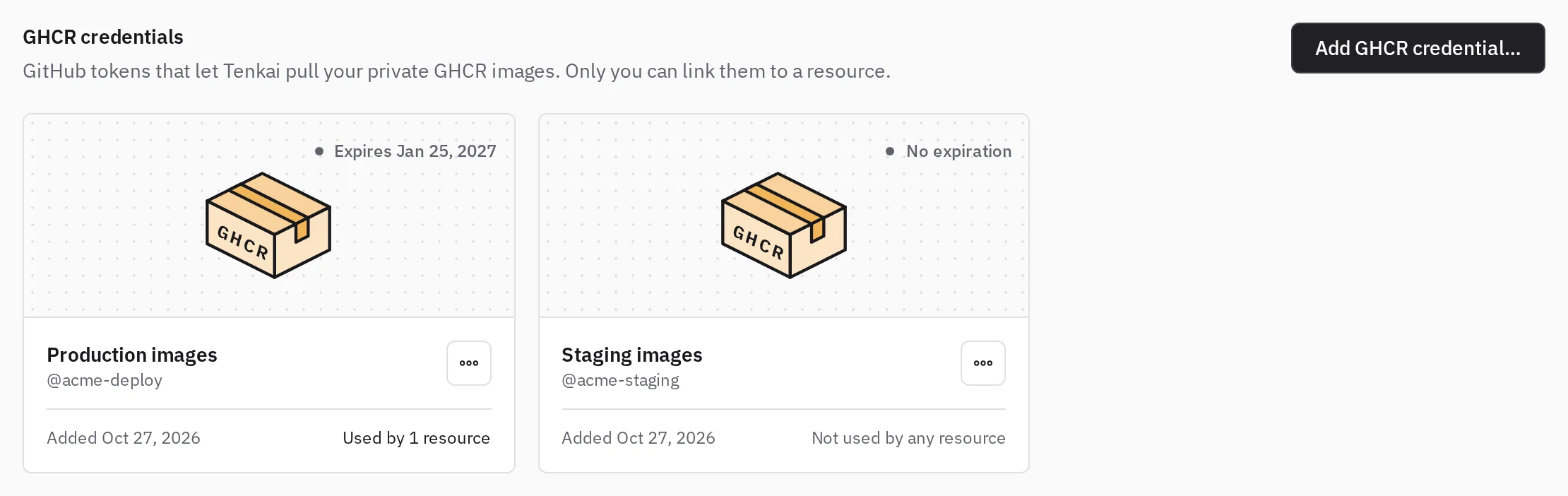
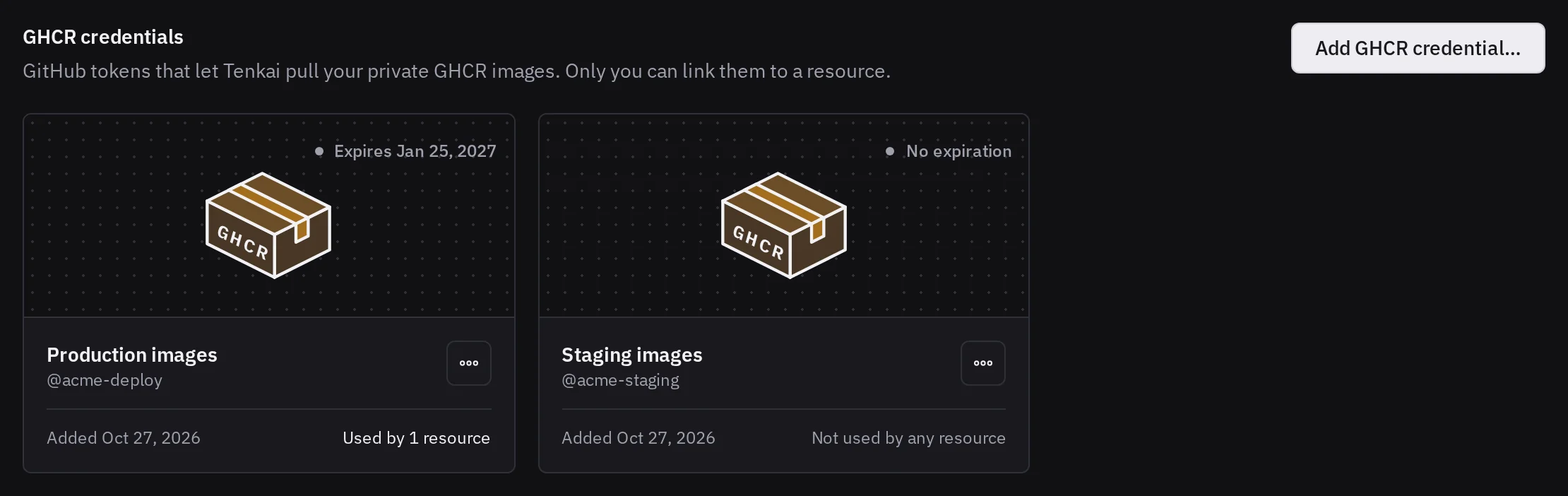
A credential marked Expired or Invalid no longer works, so replace its token before its resources' next deployment.
Docker Hub
If your team has early access to other registries, Tenkai pulls your private Docker Hub repositories, such as acme/api:main, however you write the image: acme/api, docker.io/acme/api or index.docker.io/acme/api. Public images keep pulling without a credential.
Create the token
Docker Hub gives you two kinds of token, so pick the one that fits who owns the images.
- A personal access token signs in as you. In Docker Home, open Account settings, Personal access tokens, then Generate new token, and choose the Repo Read-only permission, so the token pulls your private repositories and pushes nothing. Its username is your Docker ID.
- An organization access token signs in as an organization, so it keeps working when people leave it, and needs a Docker Team or Business plan. In Docker Home, choose the organization, then Identity & auth, Access tokens and Generate access token, and give it the Image Pull scope on the repositories you deploy. Its username is the name of the organization.
Add your Docker Hub credential
In My credentials, choose Add credential…, then Docker Hub in Registry. Enter a name, the username of the token and the token. Tenkai checks with Docker Hub that it signs the username in, refuses a token Docker Hub rejects, and stores it encrypted. It sends the token to Docker Hub only. Docker Hub tells nobody when a token expires, so the card shows no expiry: when the token stops working, its resources show No access at their next check.
Another registry
If your team has early access, add a credential for any other registry, such as registry.gitlab.com, a self-managed GitLab or Harbor. In My credentials, choose Add credential…, then Another registry. Enter a name, the host of the registry with its port if it has one, and the username and token you would give docker login. On GitLab, that is a deploy token or an access token with the read_registry scope, with its username, such as gitlab+deploy-token-12.
Tenkai stores the token encrypted without asking anyone, because a credential belongs to no cluster yet. It tests the token from your server when you link it to a resource, and links it only once it pulled the image. Its card shows its registry and username, and no expiry, because Tenkai cannot read one. When the registry stops accepting the token, the resource shows No access at its next check, so replace the token or link another credential.
Link it to a resource
When you create an application from an image that Tenkai cannot pull anonymously, Tenkai tests your credentials for its registry against it and picks the first one that Can pull. A credential for another registry is not offered.
- No access means the registry refused the token for this image. On GHCR, the token works but its account cannot read the package. On Docker Hub, the token may also have expired or been revoked.
- Invalid means GitHub refused a GHCR token.
- Could not check means the registry or the edge node did not answer, so try again in a moment.
If none can pull it, choose Add a credential… without losing what you typed.
For an existing resource, open the Configuration tab and, under Image access, choose Link a credential… or Change credential…. Team members who manage resources link only their own credentials. Only the credential's owner can Unlink it.
A coding agent connected with an agent token runs the same test and shows you which of your credentials can pull the image. It then links the one you choose or name, when it creates the application or later.
When you change the image to another repository or another registry, Tenkai unlinks the credential, so link one that can pull the new image. A tag or digest change in the same repository keeps it. A saved image runs only after Deploy, because Apply configuration reuses the active release artifact.
Read the image access section
Image access, in the Configuration tab, tells how the next deployment pulls the image, as the last check found it. Tenkai checks when you create the application, link a credential or test them in Link a credential…, and at each deployment. Choose Check again to ask the registry now, for example after you changed the package's access on GitHub. Any team member can check, because a check changes nothing that runs.
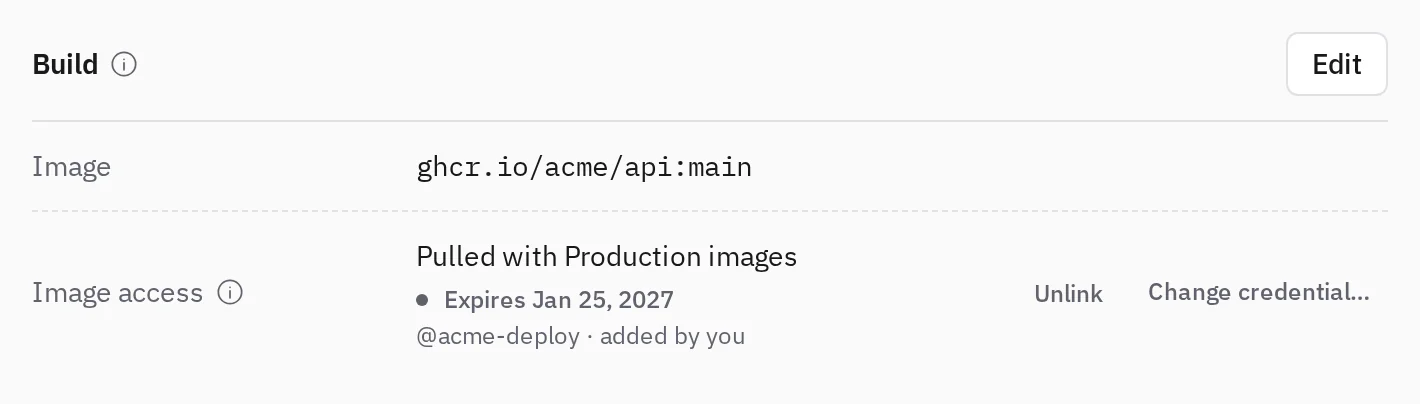
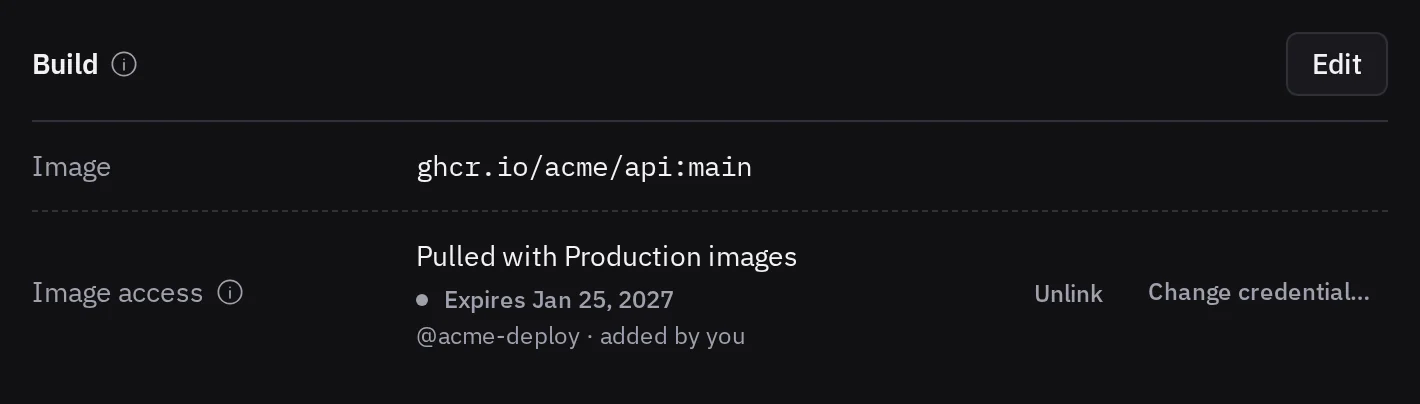
ghcr.io/acme/api:main with a credential of the signed-in user.A badge next to the credential says what stops the next deployment. Choose it to read what to do.
- Needs a credential means that no credential is linked and the image is private or does not exist. Link one, or the next deployment fails.
- No access means the token can no longer pull the image, so grant its account access again on its registry or link another credential.
- Invalid means GitHub refused the token, so its owner replaces it, or you link one of your own.
- An Expires badge in orange, or Expired, asks you to replace the token before the next deployment.
- Could not check means the registry or the edge node did not answer, so choose Check again in a moment.
- Not checked means no check ran on this image with this credential yet, so choose Check again.
Replace or remove a token
In My credentials, open the credential's … menu and choose Replace token…. The token of a GHCR credential must belong to the same GitHub account, Docker Hub must accept the token of a Docker Hub credential for its username, and the token of another registry keeps its username. Linked resources keep the credential. Their Image access shows Not checked until a check runs with the new token, so choose Check again.
Remove… lists the resources that use it, which keep running but each need another credential before their next deployment. Revoke the token on its registry too, because removing it here does not.
When you leave a team, Tenkai unlinks your credentials from its resources. Each of them then needs another credential before its next deployment.
GHCR tokens of an organization
If the package belongs to an organization and Tenkai shows No access, check the organization's settings on GitHub.
- Classic tokens blocked means the organization refuses personal access tokens (classic).
- SAML single sign-on means the token needs authorizing. On the Tokens (classic) page, choose Configure SSO next to the token, then Authorize for the organization.
Then open Link a credential… or Change credential… in Image access to test your credentials again.